
A customer gets two welcome emails, but the agent says the Trigger.dev task succeeded. Don't replay the run or blame two workers yet. Match the app action, Trigger.dev run IDs and attempts, and the email provider's send records. The count tells you whether to inspect the app's trigger path, a retry, or the task's own send logic.
Count runs, attempts and provider sends separately
Pick one affected signup and note its time and a redacted identifier. In the right Trigger.dev project and environment, find every matching run ID and open each trace for attempts, errors and child runs. In the email provider, match the recipient, provider email IDs and send times.
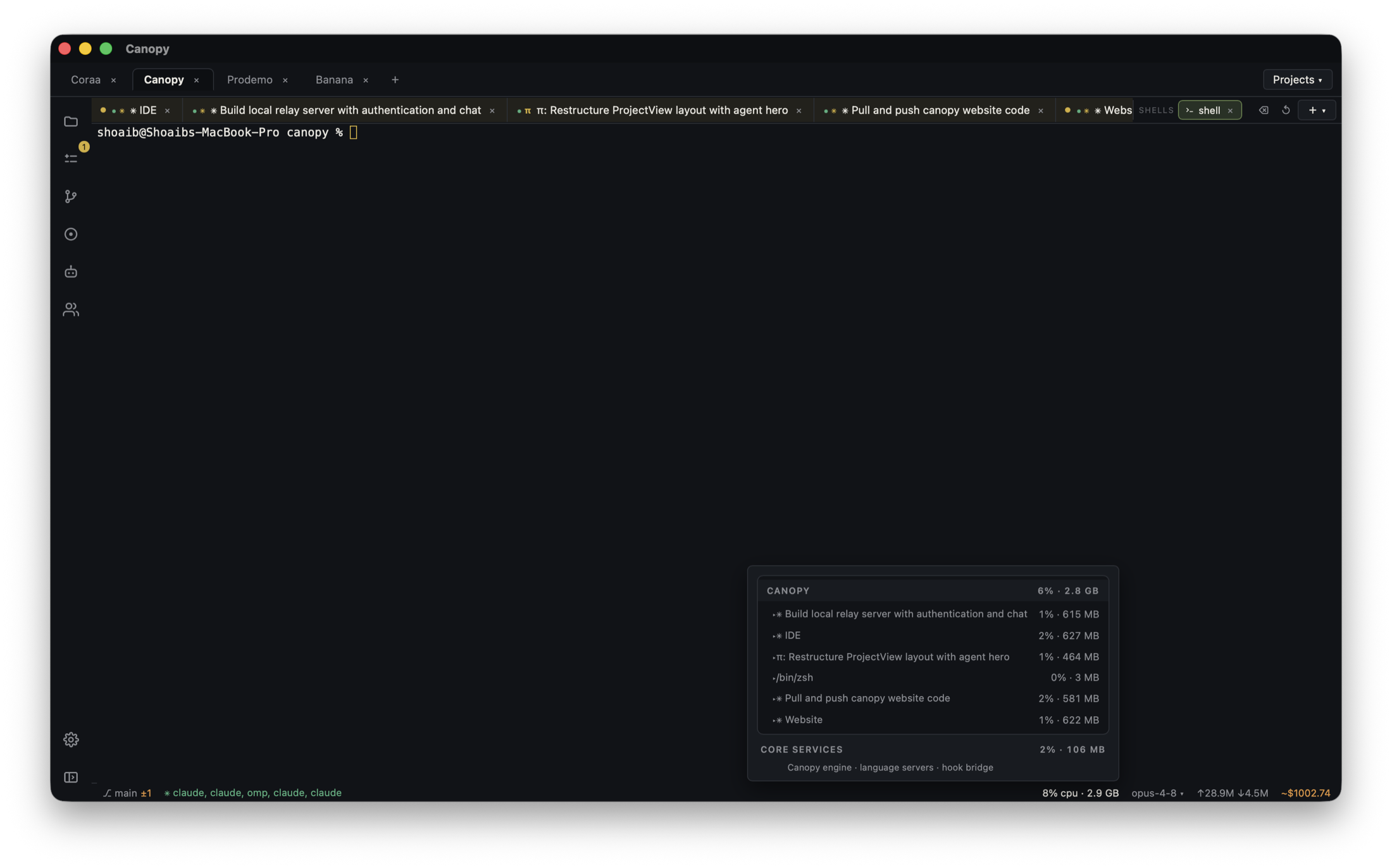
Keep private addresses out of public issues and agent prompts. Canopy shows which app and worker ran from which checkout; Trigger.dev and the provider hold the run and delivery evidence.
| Evidence | Likely boundary to inspect | Next check |
|---|---|---|
| Two run IDs for one signup | Browser, backend, webhook, schedule or manual test triggered twice | Match each run to a request or source event |
| One run ID, several attempts | Configured retry after an error | Place each provider send relative to the failure |
| One run and one attempt, two provider sends | Task code, helper, loop or provider retry | Trace both send calls and provider IDs |
| One provider send, two inbox copies | Delivery or forwarding path | Compare provider message IDs and mailbox headers |
Two runs? Find the second trigger
Trace each run back to its app request, webhook, schedule, child task or dashboard test. A double-click can send two requests, a webhook can be redelivered, and a developer may have tested from the dashboard and then signed up. Two open Canopy tabs don't prove the worker caused it.
A Trigger.dev idempotency key makes repeat triggers with the same task and key return the original run, so the key must name one business event. Keys are scoped by task and environment, and a key created inside a parent run has a different default scope. Don't use one constant key for every user, or a random key per retry.
- Give each signup a stable identifier and trace it from the backend to the run.
- Test a genuine second signup so deduplication doesn't block a different event.
One run retried? Find the uncertain send
Trigger.dev's docs say an uncaught error fails an attempt. Retries are set globally or per task, and task settings win. The CLI-init default disables retries in Development, so read your config and attempt count.
The dangerous sequence: the provider accepts the first send, a later error follows, and the next attempt sends again. A trigger idempotency key doesn't protect an email call inside the task. A keyed child send task prevents duplicate child runs, but its own send still needs a duplicate policy.
- Check the first attempt's provider response before deciding a retry is safe.
- An unknown provider result is unknown; a failure doesn't mean no email left.
Protect the send at the provider
Resend's Email API accepts an idempotency key. The same key and payload within 24 hours return the original email ID; a different payload with that key returns an error. A key like `welcome-user/<user-id>` describes one intended email better than a per-attempt UUID. Check what your provider offers.
That protection expires, so delayed replays or changed payloads may need a durable app record. Decide with the product owner whether the email sends once per account, per signup attempt, or again on request.
- Store the provider email ID, or an explicit uncertain state, so a later run reconciles instead of resending.
- Test with a provider-approved address, never with customers.
Reproduce safely and review the fix
A Trigger.dev dashboard replay copies a run against the latest version in the selected environment. It can send the email again; it is not read-only. Before replaying, confirm every downstream destination.
In Canopy, start the app and one dev worker from the right checkout, run one controlled signup, and compare request, run, attempts and provider record. Ask the agent for the trigger and send call sites, key construction, retry settings, tests and diff. Accept the fix when one event sends once and a new event still sends.
- Confirm the worker's task version and checkout after the last code change.
- Have an owner review changes to live email or retry settings before deploying.
Copyable resources
Use redacted identifiers and test recipients when sharing with an agent or reviewer.
Affected event and intended send rule: [ ]
App URL, checkout, commit, request IDs and source event IDs: [ ]
Trigger.dev project/environment, task ID, run IDs, attempts, replay status: [ ]
Each attempt's first error and whether a provider call came before it: [ ]
Provider send IDs, accepted times and test recipient: [ ]
Trigger idempotency key/scope; provider send key/window: [ ]
Cause: second trigger / retry / duplicate call / delivery path / unknown [choose with evidence]
Safe reproduction and expected result for same event and new event: [ ]
Changed files, tests, final diff and reviewer decision: [ ]
Frequently asked questions
Does a Trigger.dev idempotency key stop an email API call from running twice?
No. It deduplicates task triggers. An email call inside the task needs its own protection or reconciliation rule, especially if the task can retry after the provider accepted a send.
Can I replay a failed Trigger.dev email run to check it?
A replay is a new run of the payload against the latest version in the selected environment. Check whether the original attempt sent mail, and use a test destination before replaying.
Do two Canopy worker tabs mean the same email task executed twice?
Not by themselves. Compare run IDs, attempts and provider sends. Two local workers on one dev project can cause consumption problems, but that's a different diagnosis.
What if the provider request timed out after sending?
The outcome is unknown until provider records or a stable send key settle it. Reconcile the original request before sending again; a timeout doesn't prove no email was accepted.