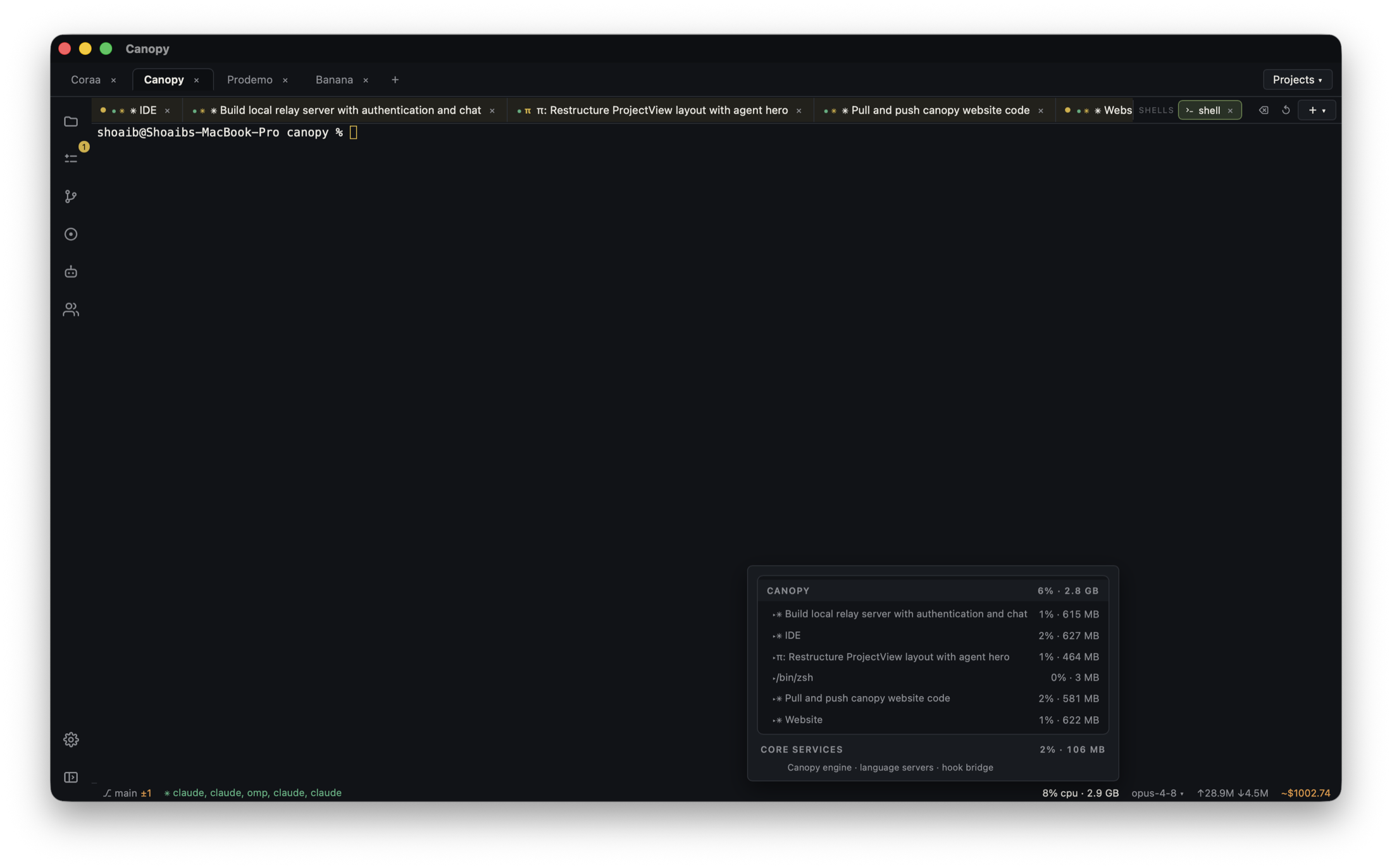
A coding agent can start a Trigger.dev worker in one worktree while another agent starts a second worker for the same project. The website and API may look healthy, yet some development runs stay queued. Trigger.dev's current troubleshooting guide says one dev environment belongs to each project and only one local trigger.dev dev instance can consume from it at a time. This guide gives the process owner a way to identify the competing worker and verify a complete run without treating every queue delay as the same problem.
First decide whether a run exists
In the correct Trigger.dev project and Development environment, find the task and its recent runs. Record the task ID, run ID, creation time, and current state. If no run exists, inspect the browser request and backend trigger call before debugging worker capacity. If a run exists but is queued, compare it with the development worker's terminal output and the dashboard link printed by that worker. A queued run, a failed run, and a task absent from the task list are different boundaries. Canopy's Servers panel can show which local command is active; the Trigger.dev dashboard is the authority for run state.
| Observation | Next check | Evidence to save |
|---|---|---|
| No run after app action | Backend route and Development key | Request result and sanitized server error |
| Task absent in dashboard | Project, environment, worker registration, configured task dirs | Worker output and project ref |
| Run queued | Other dev workers for the same project; queue state | Run ID, project, every worker path and process |
| Run started then failed | Run trace, task logs, variables, external service | First actionable error and failing step |
Identify every local worker for that project
Check all Canopy projects, components, and terminals that might be running the Trigger.dev dev command, including ones started outside Canopy. Record each process's working directory, Git branch, configuration file, and project reference without exposing keys. Two worktrees give separate files, not separate Trigger.dev development environments. Trigger.dev explicitly warns that more than one local dev instance against one project can split consumption and make some runs appear stuck. If two agents need to edit task code, name one worker owner and decide which checkout's task version is being exercised. Keep the other agent on static checks or a read-only review until the worker handoff.
- Do not stop an unidentified process simply because its terminal title looks old; confirm its project and owner first.
- A separate app port or database does not create a separate Trigger.dev project.
- If you need genuinely simultaneous local runs, provision and verify distinct project or supported environment arrangements rather than assuming two workers are isolated.
Keep one dev worker and retry one safe test
After coordinating with the process owners, stop the extra worker for that project and leave one development worker connected to the intended checkout. Check that it finishes registration and prints the expected dashboard link. Use Trigger.dev's task Test control in the Development environment with a safe payload, then follow the new run ID from queued to a terminal state in both the dashboard and worker output. The current quick start says the dev CLI registers tasks and handles runs; the dashboard test separates worker execution from your app's trigger route. A task can be successfully tested from the dashboard while the application still uses the wrong API key or environment, so perform the app action again only after the direct test passes.
- Use disposable or non-delivery payloads when tasks can email, charge, write production data, or call paid APIs.
- Avoid rerunning a side-effecting task until you know whether an earlier run executed; idempotency and duplicate effects are task-specific.
- If one worker still cannot consume, use the new run state and worker error to continue diagnosis rather than assuming the duplicate-worker issue was the only cause.
Check the application trigger boundary
Once a dashboard test completes, make the original browser or API action against the same local checkout. Trigger.dev's quick start distinguishes the dashboard test from triggering from your backend: the backend needs a Development environment key. Compare the project and environment of the new app-created run with the worker's dashboard project; do not paste the key into an agent prompt or screenshot. If no new run appears, inspect the backend response and secret-loading path. If the run appears and fails, inspect its own trace. The worker and the website are separate processes, even when Canopy starts both with one click.
- Record the current branch, app URL, backend route, task ID, and resulting run ID.
- Check the latest task code and worker registration after the final agent edit.
- Keep task environment variables separate from variables supplied only to the CLI process.
Make the multi-agent setup repeatable
Save the verified app, API, and Trigger.dev commands in Canopy, and label the one Trigger.dev component as the worker owner for the project. Document which worktree runs it, how another agent requests a handoff, and how to test a task after changing its code. Before resuming tomorrow, inspect live processes rather than assuming saved commands are running. If a second project or supported preview arrangement is introduced later, record its own project reference, credentials path, task registration, and test run. Do not silently treat a second Git branch as a second Trigger.dev environment.
Copyable resources
Queued development run triage
Use redacted identifiers and harmless test payloads; never share secret keys or private run data publicly.
App action, URL, checkout, and branch: [ ]
Task ID and Trigger.dev project/environment: [ ]
Run ID, created time, state, and last update: [ ]
Workers found: [PID or Canopy component, path, branch, project ref]
Intended single worker owner: [ ]
Other worker stopped after owner check: [ ]
Direct dashboard test payload and resulting run ID/state: [ ]
App-created run ID/state after direct test: [ ]
If still failing, first failing boundary and error: [ ]
Final task code commit, worker output, and owner: [ ]
Frequently asked questions
Can two agents each run trigger.dev dev for one project?
Trigger.dev's current troubleshooting docs say only one local dev instance can consume from a project's dev environment at a time. Coordinate one worker owner or configure and verify truly separate projects or supported environments.
Why is my task not listed at all?
That is a registration or project/environment question, not yet evidence of a queue problem. Inspect the selected project, trigger.config.ts, task directories, and worker startup output.
The dashboard test passes, but my button creates no run. What next?
Inspect the browser-to-backend request and the backend's Trigger.dev project, Development environment key, response, and sanitized logs. The direct dashboard test bypasses your application's trigger path.
Does saving a Canopy server command keep the worker alive?
No. A saved command makes startup repeatable. Check the current process and Trigger.dev run state when you return to the project.