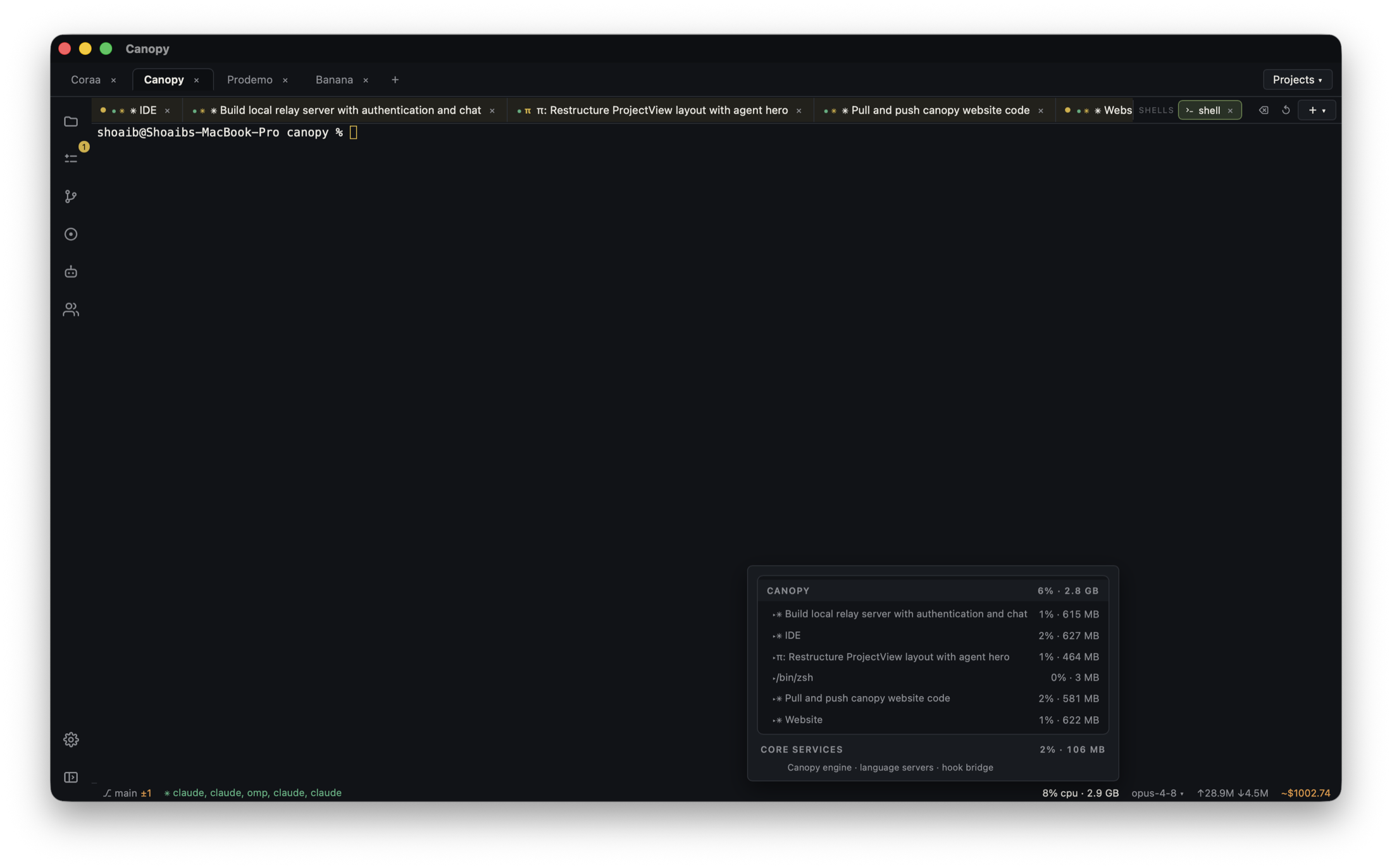
Git worktrees isolate files. They do not automatically give two web servers different ports or separate databases. When two agents run a frontend at once, identify each branch by both checkout and URL.
Name each checkout and its purpose
Create one worktree and branch per independent code change. Label the corresponding Canopy project component or agent session with the feature it owns. Before launching services, decide which checkout you are previewing and where its dependencies will come from. A shared backend can be acceptable for read-only UI work; stateful tests may need isolation.
Assign different ports
Start each frontend with a distinct port using that framework's documented option. For Vite, the dev CLI accepts --port. For Next.js, next dev accepts -p or --port. Save the working command in the relevant Canopy component so you do not reconstruct it every time. The exact command depends on the project's package scripts, so inspect package.json and the framework's documentation first.
Read the actual URL from the process
Use Canopy's Servers panel to see process state, output, and detected listening ports. A command can silently choose another port or fail to start if its preferred port is occupied. Open the URL reported by the process and verify its branch with a visible change or version marker before judging an agent's work.
Keep shared services explicit
A second frontend may still point to the same API, worker, database, cache, or login session as the first. Write down that dependency. If tests mutate shared data, run the branches sequentially or configure separate state. Worktree isolation only covers the filesystem checkout; it is not a process or data sandbox.
Close the right process and review the right diff
When one task finishes, stop its server from the correct component or terminal, then inspect that worktree's diff and PR. Do not infer that a page at localhost:3000 reflects the branch you are reviewing. Use the branch, service output, and URL as a three-part identity for the running result.
Copyable resources
Example port plan
For a Vite project with two worktrees. Adapt scripts and ports to your repository.
Agent A · worktree: ../project-settings · branch: agent/settings
Command: npm run dev -- --port 4173
Preview: http://localhost:4173

Agent B · worktree: ../project-auth · branch: agent/auth
Command: npm run dev -- --port 4174
Preview: http://localhost:4174

For a Next.js project, next dev supports --port too.
Before reviewing: confirm each command's output reports its expected port and that the page matches the intended branch.
Frequently asked questions
Do Git worktrees automatically prevent port conflicts?
No. Worktrees separate directories and branches. Local services still need distinct ports or sequential runs.
Can two worktrees share the same database?
They can if the project is configured that way, but stateful tests may interfere. Decide explicitly whether each branch needs separate data.