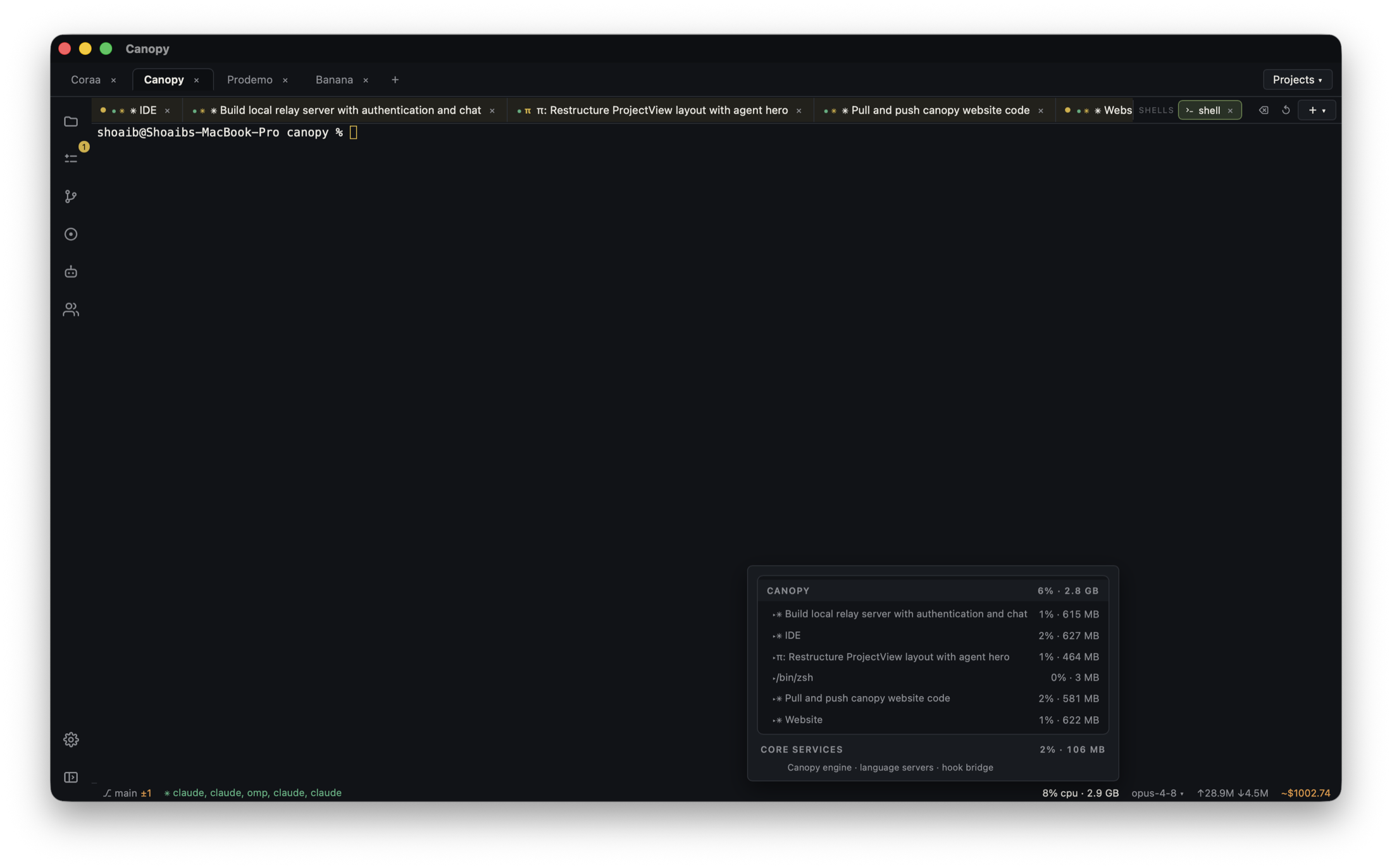
The hard part of returning to a project is often reconstructing the environment: which command starts the website, where the API runs, and whether the worker is alive. This downloadable example gives you three small processes and a visible count so you can check each one yourself.
Prepare the example once
Download and unzip the three-process demo. Install Node.js 18 or later; the sample has no package install, model account, secrets, or external service. Open the unzipped `local-stack-demo` folder as one Canopy project. Save three component commands with that folder as their working directory. The API and website listen only on 127.0.0.1, using fixed ports 4175 and 4173. If either port is occupied, stop the conflicting process before this trial rather than silently changing the expected URL.
| Component | Run command | Expected signal |
|---|---|---|
| API | node api.mjs | API ready at http://127.0.0.1:4175 |
| Worker | node worker.mjs | Worker sent tick 1, then another about every five seconds |
| Website | node website.mjs | Website ready at http://127.0.0.1:4173 |
Start, stop, and observe
Start the API first, then the worker and website from the saved commands in Canopy's Servers panel. Open http://127.0.0.1:4173 in Preview. The page polls the API every two seconds and should show an increasing tick count with 'API connected.' Stop only the worker: the number should stay still while the website and API remain available. Restart the worker: the count should continue upward. Stop the API: the page should report that it is unavailable. Starting the API again resets the count because this sample stores ticks in memory. The separate log lines tell you which process is responsible for a failure.
What the sample run verified
On 28 September 2026, the example was run locally with Node.js 23.7.0. The website returned HTTP 200, the API count rose from 1 to 2 while the worker ran, and remained 2 for more than one worker interval after it stopped. The published ZIP matched all five source files. This establishes the downloadable sample's process behavior; it does not verify the exact Canopy controls in a tagged installed build. Check the installed release and platform when following the UI steps.
Give one agent an observable change
Ask an agent to add a Pause display button to the website. Acceptance criteria: while paused, the visible count stays at its last value even though the API and worker continue; after Resume, the page fetches the latest count. Keep the API and worker running so the difference is measurable. Open the website in Preview, test both states, then inspect the changed file and final diff. A screenshot or annotation can point the agent to a mismatch, but the running behavior decides whether the task is done.
Resume tomorrow
Canopy keeps project components, saved run commands, and restorable agent sessions together. Reopen the project, check process state, restart the services you need, and resume the CLI conversation where supported. Saved configuration does not mean a process kept running while the desktop app or machine was off.
Use the pattern in a real project
Replace the sample commands with your own frontend, API, and worker development commands. A Trigger.dev development worker can be saved as a command, but this sample is not a Trigger.dev integration or a hosted service. A real app may also need dependencies, environment variables, a database, and separate ports per worktree. Verify its URL, logs, tests, and final diff before accepting an agent's change. A running-process indicator alone does not prove the feature works.
Frequently asked questions
Can Canopy start my existing npm or pnpm commands?
Yes. Configure the command your project already uses as a component run command.
Does Canopy host my app?
No. The Servers panel runs local development commands on your computer.
Why did the sample tick count return to zero?
The API keeps the count in memory. Restarting the API starts a fresh count; stopping just the worker leaves the current count in the still-running API.
Do I need Trigger.dev to run this demo?
No. The sample worker is a local Node.js process. A real Trigger.dev development worker can be saved as a separate project command.