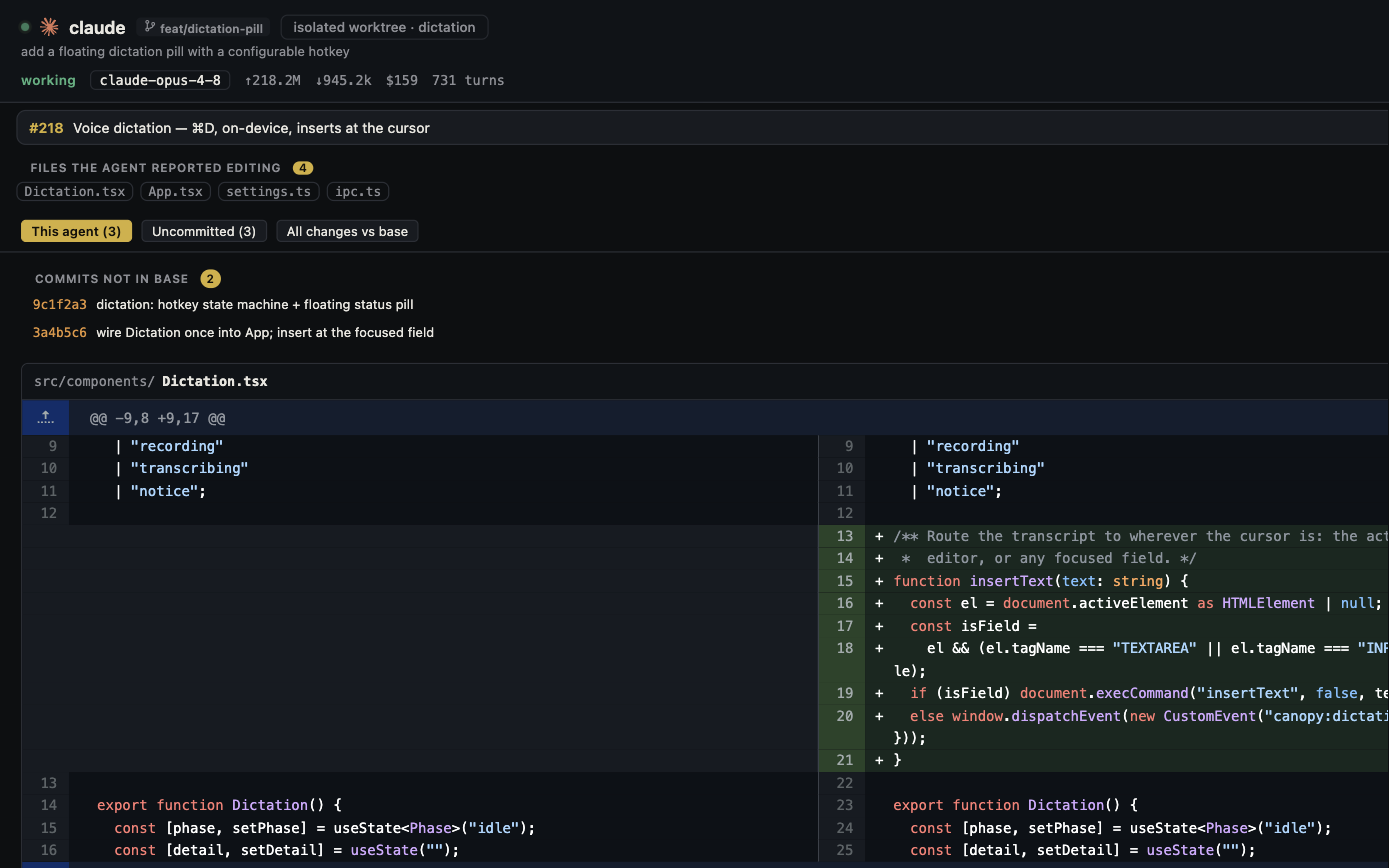
Replit Agent and Canopy can both help a builder turn a request into a running app, but they start from different places. Replit brings an Agent, cloud project environment, Preview, and publishing into its platform. Canopy opens a project on your computer and coordinates the coding CLIs, local processes, previews, and Git review that you choose. The useful question is where your project and deployment should live, who can run and review it, and which steps you want the platform to supply.
Credit Replit's complete build path
Replit's current first-app guide starts from a prompt, has Agent create and run the app, and asks the builder to test success and failure states in Preview. Its publishing guide distinguishes a temporary development URL from a production deployment with its own access, resources, monitoring, and republish cycle. Replit also documents GitHub import and sync, Agent checkpoints, team threads, and background tasks that work in isolated project copies before their changes are applied. That is a substantial app-building workflow, not a bare chat box. Canopy does not include Replit's cloud runtime or one-click production hosting; the project must have its own local runtime, installed agent CLI, and deployment path.
| Decision | Replit Agent | Canopy |
|---|---|---|
| First setup | Replit account and cloud Project; Agent creates and starts a first app | Local repository, project runtime, and an installed supported coding CLI |
| Agent path | Platform Agent with modes and project tasks | Several installed CLI harnesses, each with its own account and model choices |
| Parallel work | Isolated background tasks, shared board, review then Apply | Separate CLI sessions and optional Git worktrees; inspect integration in Git |
| Preview | Cloud development Preview and Agent app testing | Local Servers and Preview tied to the current checkout |
| Version history | Agent checkpoints plus Git/GitHub integration | Repository Git history, worktrees, diff, PRs, and session evidence |
| Publishing | Replit production deployment and monitoring | Deploy through the project's chosen service outside Canopy |
| Team access | Replit project invites, shared board, and platform account | Optional host-mediated Team sharing; separate CLI provider accounts |
Choose where the code and running app live
If you want to start a fresh small web app without installing its runtime locally, Replit's hosted project and publishing path remove several setup steps. Canopy is strongest when an existing repository and its local website, API, or worker need to run beside multiple CLI agents and a reviewable branch. A Canopy Preview URL is a local development result, not a public deployment. Replit's development Preview is also not its public deployment; its docs say to publish, then open and verify the live URL separately. Neither product turns a successful development preview into proof that production authentication, data, and payments are correct.
Compare parallel tasks and the review boundary
Replit's task guide says each background task works on an isolated copy, then moves through plan, active work, review, and Apply. Its team guide describes shared task visibility; plan limits govern how many tasks run at once. Canopy's README describes agent sessions in real PTYs, current or isolated worktrees, an attention rail, and Agent Workspace connected to files, diffs, and PR context. Do not claim only Canopy supports parallel work or only Replit supports a browser. Test whether a reviewer can identify the exact checkout, see the latest change, run the result, and decide which work enters the main branch. Replit checkpoints can restore project and Agent state, while Git commits and PRs remain the durable exchange format when work moves outside Replit.
Move an existing project with its missing pieces visible
Replit's GitHub import guide says it brings repository files, dependency files, and common run/build configuration, but not existing secret values or platform-specific services that need separate setup. Moving a Replit project to local Canopy has the corresponding work: put the code in a repository, clone it, install the runtime and CLI, supply secrets through the project's normal secure path, create a local database or service equivalent, and record run/build/deploy commands. Verify a form or API action against test data before declaring the move complete. Do not put Replit secret values, customer records, or production tokens into an agent prompt or a committed setup file. Keep the old published app live until the replacement deployment has been tested by its intended owner.
Compare what an accepted feature costs
Replit's billing guide describes platform AI work in terms of modes, confirmed paid actions, and effort-based checkpoints; publishing and database resources have their own usage categories. Canopy itself is a free MIT-licensed app, while installed CLIs retain separate provider plans, limits, and billing; local or external hosting is also separate. These are different ledgers. Record the number of attempts, accepted feature, human review minutes, platform or provider charges from the relevant account, and deployment resources. A Canopy estimated token cost is not a provider invoice, and a Replit development credit is not the whole cost of a live app. Avoid converting one task into a universal price ranking.
Run a fair small-app trial
Use the same existing repository and a bounded request: add an RSVP form that rejects an empty email, confirms a valid submission, persists the record, and works at phone width. In Replit, import the repository, reconnect only the test secrets needed, build with Agent, inspect its task or checkpoint, test Preview, and verify any published URL separately. In Canopy, clone the same starting commit, select an installed CLI, save the site's and API's real commands in Servers, test Preview, inspect the final diff and checks, and use your existing deployment route if publishing is part of the trial. Record any setup or migration work, rather than quietly giving one product a prepared environment. Choose by the accepted behavior and the ownership path you will actually maintain.
Copyable resources
Hosted-to-local app comparison card
Use test data and the same starting commit; keep secret values out of the record.
Repository/start commit and bounded feature: [ ]
Success, failure, persistence, and mobile checks: [ ]
Replit plan, Agent mode, imported config, Preview URL: [ ]
Replit task/checkpoint, review, and Apply result: [ ]
Canopy release, CLI/account, branch/worktree: [ ]
Local runtimes, Servers commands, and Preview URL: [ ]
Secrets or external services recreated (names only): [ ]
Latest diff, tests, reviewer decision: [ ]
Development result vs public deployment verified: [ ]
Attempts, human minutes, AI billing source, hosting source: [ ]
Accepted result, missing capability, and next owner: [ ]
Frequently asked questions
Does Canopy replace Replit hosting?
No. Canopy runs a local project and its development services. Publishing remains a separate deployment decision; Replit documents its own hosted production deployment and monitoring.
Can Replit Agent run multiple tasks and use GitHub?
Yes. Current docs describe isolated background tasks with a review-and-apply board, Git and GitHub integration, and project collaboration. Check the plan's concurrency and access limits.
Can I move a Replit app into Canopy?
If you can get its repository or exported code, open that code locally in Canopy. Recreate runtimes, secrets, data, external services, and deployment separately, then test the same user flow.
Which is easier for a noncoder's first app?
Replit's hosted first-app path requires fewer local setup steps. Canopy gives more direct control of an existing local repository and installed CLIs but asks you or a developer to supply the runtime and deployment route. Test a small task before committing to either workflow.
Sources and further reading
- Replit first app: Agent, Preview, and focused iteration ↗
- Replit publishing: development versus live URL ↗
- Replit parallel tasks and Apply workflow ↗
- Replit Git and Agent checkpoints ↗
- Replit import: files, secrets, and services ↗
- Replit team task board and plan limits ↗
- Replit Agent AI billing ↗
- Canopy README and downloadable-release caveat ↗
- Public question about leaving Replit for a local agent workflow ↗