
Yes. A noncoder can direct an agent to build a small, useful tool. But the agent's “done” message is not a release test. Start with one small feature you can run, inspect and reject when it fails. Bring in a developer before anything sensitive reaches production.
Start with a task you can judge
A text change, an internal task board or a small automation with test data beats a customer product as a first job. In the practice project, the agent adds All, Open and Done filters to a local task board. Add two tasks, switch views, and you know if it works without reading code.
Learn the four pieces of the workflow
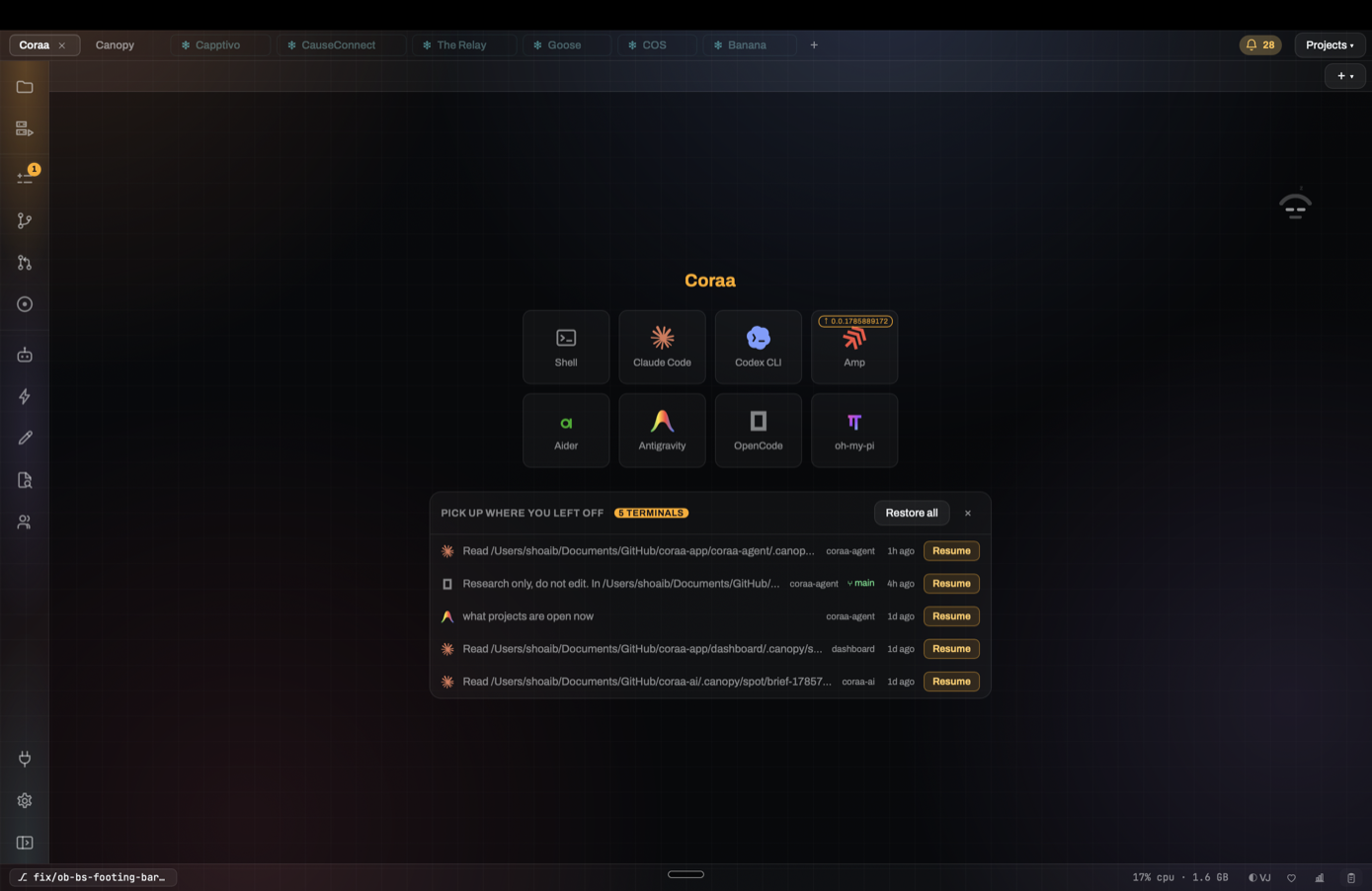
A repository holds the project and its history. A branch or worktree holds one proposed change. A run command starts the app. A diff shows what changed. You don't need all of Git, just enough to find the project, the running result and the diff. Canopy puts agent CLIs, local services, Preview and Git changes in one workspace. You install the CLI, Git and project runtime yourself.
Describe the outcome, then inspect it
Tell the agent what a user should be able to do, what's missing now and a few acceptance checks. Ask it to explain its approach before editing, then show the running page, files changed and checks run. For the filter, check one open and one completed task, an empty view, refresh and keyboard access. If a check fails, give the exact steps and expected result.
Get a qualified review for risky changes
You can own the product intent and the visible checks. Changes to sign-in, payments, personal data, infrastructure, migrations or public APIs need someone who can judge code and operational risk before real users see them. Ask them to assess the diff, tests, error paths and rollback plan. A passing build only proves the build ran. Keep the app local or in a test environment until then.
| Task | What a noncoder can verify | When to involve a developer |
|---|---|---|
| Local task-board filter | Visible views, refresh, empty state, keyboard use | Before making it a shared production app |
| Landing-page copy | Words, links, layout, mobile view | If tracking, forms, deployment or legal claims change |
| Customer sign-in | Visible sign-in and error behavior | Before implementation decisions or production release |
| Payment or personal data flow | User journey and expected outcomes | From design through security and release review |
Do a 30-minute first run
Open the practice project in Canopy and read README and TASK.md. Start an installed CLI on the folder. Ask it to implement only the filter task and tell you how to open the result. Open the page and repeat the five checks yourself. In the changed-files view, ask it to explain any file other than index.html. Save the branch, result and next action.
Repeat the routine on your own project
A good first feature leaves you a routine: one task, one running result, one reviewed diff, one decision. Use it next on a small change in your own project. If your app has a website, API and worker, save each run command and learn to read their logs before adding agents. The goal is control, not more prompts.
Copyable resources
Use with the included task board or swap in your own small feature.
Goal: Add All / Open / Done filters to the local task board.
Before editing: inspect the page and explain the change.
Acceptance:
1. All shows one open and one completed task.
2. Open and Done show only matching tasks.
3. Changing completion updates the current view.
4. Refresh keeps tasks; empty views explain why.
5. Keyboard users can reach and use the filters.
When done: show the running page, branch, files changed, commands run with results, and open issues. I will repeat every check before accepting.
Frequently asked questions
Do I need to know a programming language before trying a coding agent?
No. Start with a small local project. Learn enough about the repository, run command, branch and changed files to check the result, and get qualified review before production-sensitive changes.
Can Canopy replace the coding-agent subscription or CLI?
No. Canopy organizes installed CLIs. You still need the CLI and its provider account.
Is a green build enough to publish my app?
No. Repeat the visible acceptance checks, inspect the final diff and error paths, and get review for security, data or production changes.