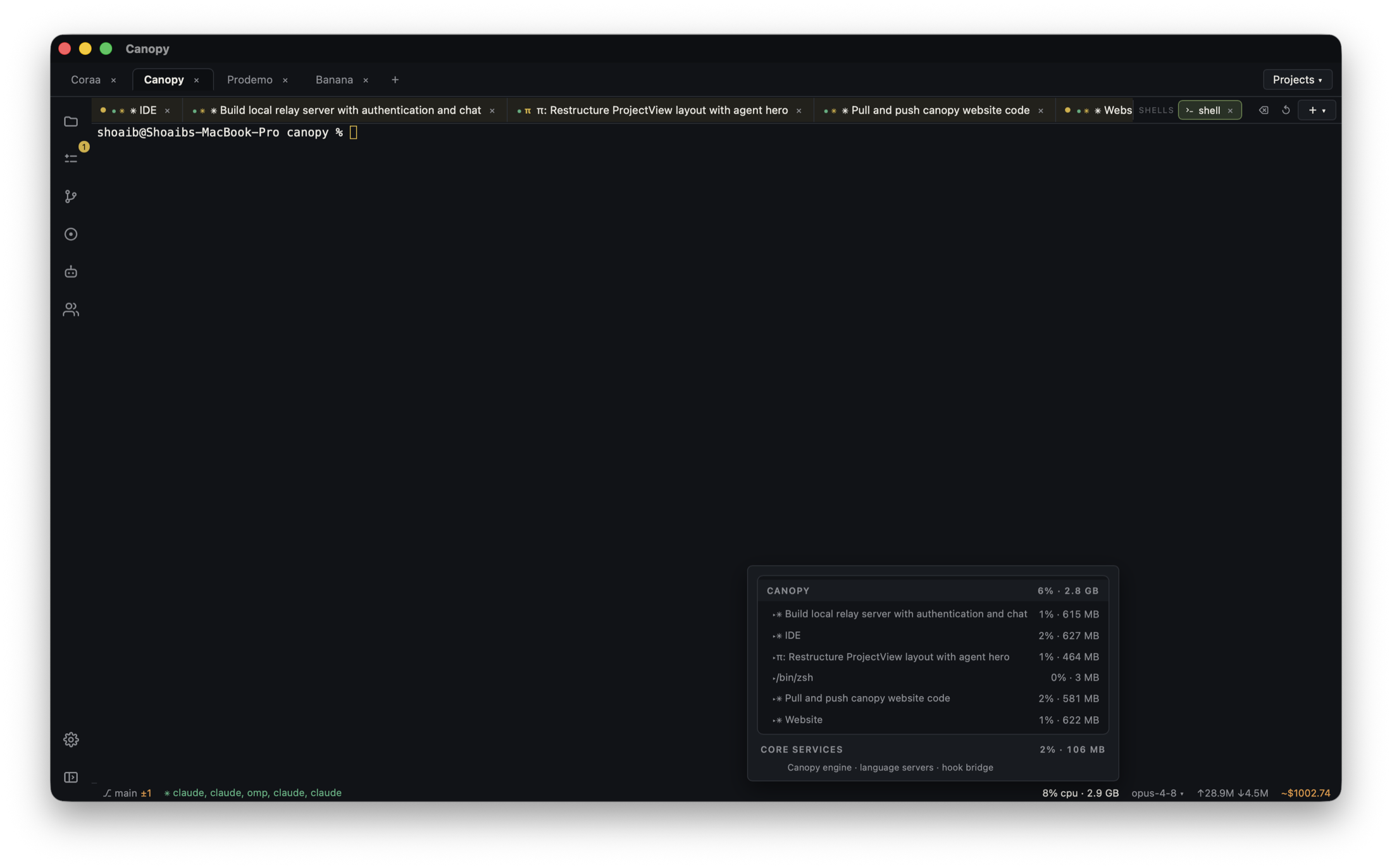
The local page working in Canopy and the Vercel Preview failing are two observations from different environments. Diagnose the first point where they diverge before asking an agent to rewrite code. This guide uses an example report form that saves locally but returns an error on a PR preview. It assumes the project actually deploys to Vercel; the same evidence order can help with another host, but use that host's own logs and configuration docs.
Freeze the exact local and deployed versions
Write down the local checkout and commit, the PR head, Vercel project, environment, deployment URL, and deployment commit. Vercel documents both branch-specific URLs, which follow the latest branch deployment, and commit-specific URLs, which identify one build. Use the latter to reproduce one failure. A local server can also be running a different worktree or port than the PR branch. In Canopy, confirm the service's working directory and reported URL beside the agent's checkout and diff. Do not compare a local uncommitted edit with an older preview and conclude that deployment broke the same code.
| Boundary | Local evidence | Vercel evidence |
|---|---|---|
| Code | Checkout and commit or uncommitted diff | Deployment commit and PR head |
| Run | Command, port, and local URL | Build status and deployment URL |
| Configuration | Variable names and backend target | Preview variable names and backend target |
| Failure | Form request and observed response | Same form request, response, and relevant logs |
Separate a failed build from a failed request
If the deployment did not build, open that deployment's build logs and find the first actionable error above the final command-exited line. Vercel's troubleshooting guide distinguishes build output from deployment resources and source. Run the repository's real production build locally to reproduce a code or dependency error, while remembering that local success cannot prove hosted environment parity. If the preview built but a button or route fails, reproduce that request in the browser and collect its status, path, and sanitized response. Then inspect Vercel runtime logs for the matching function invocation; build logs will not explain a later API error.
- Classify the first failure as build, browser, server function, or external service.
- Record the first relevant error and timestamp; avoid pasting a full private log into a public prompt.
- Check whether the route exists in the deployed resources before changing UI code.
Compare Preview settings with local inputs
Vercel's Local, Preview, and Production environments can have different variables and connected services. For the report-form example, compare the variable names, scope, and database project used by the local API with those attached to this Preview deployment. Confirm the values through the owner's approved settings surface without showing raw secrets to an agent. Check the project root, build command, framework, runtime, and dependency lockfile recorded for the deployment. If a setting is changed, make a new Preview deployment and test that new URL; a previous deployment is evidence of its previous build and configuration. Do not point a preview at production data merely to make the form appear to work.
- Check whether a variable exists for Preview and, if used, the specific preview branch.
- Compare service URLs and project IDs without publishing credentials.
- A wrong environment is a configuration correction, not a reason to regenerate the whole feature.
Trace the same request through the backend
Retry the same input with a test account in the local app and the commit-specific Preview. Look at the browser Network entry, the function runtime log, and the downstream database or API record. A 404 could mean the route did not deploy; a 500 needs server-side evidence; an apparent success with no saved report needs the data target checked. Vercel runtime logs cover function invocations in Preview and Production, but a database or worker has its own logs and state. For an auth redirect or webhook, confirm the preview URL is allowed by the external service. Keep test data and production data separate while diagnosing.
- Tie observations to one request time, path, user role, and deployment commit.
- Check both an allowed save and one error path after a fix.
- If the error starts in another provider, inspect that provider's record instead of treating a Vercel 500 as a complete diagnosis.
Give the agent a narrow fix and verify the new deployment
Hand the implementing agent the exact commit, reproduction, sanitized error, and difference you found. Ask it to diagnose before editing and to change only the relevant code or documented configuration. If the fix touches secrets, database permissions, or production deployment settings, have the responsible owner make that change. Review the new diff, build result, and commit-specific Preview. Repeat the original report-form request, check the saved record in the intended test backend, and inspect runtime logs. Only then decide whether the PR can merge. The deployed version and the local version must both be named in the final handoff.
- Do not equate a successful redeploy with a tested user journey.
- Record what changed: code, environment, service, or all three.
- Recheck the production target separately after merge; Preview and Production are distinct environments.
Copyable resources
Local-versus-Preview failure report
Redact tokens, personal data, and private response bodies before sharing with an agent or issue.
Local checkout / commit / port / URL: [ ]
PR head and Vercel commit-specific Preview URL: [ ]
Vercel project and environment: [ ]
Same action and test account role on both sides: [ ]
Local observed response: [ ]
Preview observed response and timestamp: [ ]
Build status and first relevant build error, if any: [ ]
Runtime route and sanitized log, if any: [ ]
Variable names and backend project IDs compared by owner: [ ]
Diagnosis: build / browser / function / external service / unknown
Proposed small correction and owner: [ ]
New deployment commit and retest result: [ ]
Frequently asked questions
Why does my local app work while Vercel Preview fails?
First confirm the same commit. Then compare the build result, Preview variables, backend target, browser request, and function logs. The first differing boundary tells you where to investigate.
Does a green Vercel build prove the feature works?
No. It confirms the deployment built. Reproduce the user request on its Preview URL and inspect runtime and downstream service evidence.
Which Preview URL should I send to a reviewer?
Use the commit-specific deployment URL when discussing one exact result. A branch-specific URL can move to a newer deployment.
Can I copy production environment variables into Preview to fix it?
Decide the data and credential boundary with the owner first. A Preview should generally use its intended test services and scoped secrets; copying live credentials can expose production data to test workflows.