
A Git worktree gives an agent its own checkout of tracked files, not your local setup. When the second agent fails before touching code, check env files, dependencies and services first.
Separate source failures from setup failures
Record the command, checkout path, first error, and whether it works in the main checkout. A package import failing before your code runs points to missing dependencies. A missing key or URL points to environment setup. Don't send an agent on a rewrite when the problem is a missing local input.
Know what Git copied and what it didn't
A worktree checks out repository content at a branch or commit. An ignored file like .env.local is untracked, so it won't appear. node_modules, build output and Python virtual environments are local to their directory too. Don't assume a symlink or copy is safe: Python calls virtual environments generally non-portable, and packages can embed paths or platform-specific binaries.
Reinstall dependencies with the project's command
From the new checkout, use the documented lockfile and install command. For Python, create a fresh virtual environment and install from the dependency file or lockfile. For JavaScript, use the project's package manager instead of copying node_modules. Confirm the runtime version and run command before handing over.
Provide configuration without leaking secrets
Prefer a checked-in .env.example with names and harmless placeholders, plus a secure way to supply real values. Copy a real .env only if policy allows, keep it ignored, and never paste secrets into a prompt, PR, log or screenshot. Canopy prepares ignored configuration for worktrees; check what it prepared before running anything with credentials.
Give each checkout its own services and ports
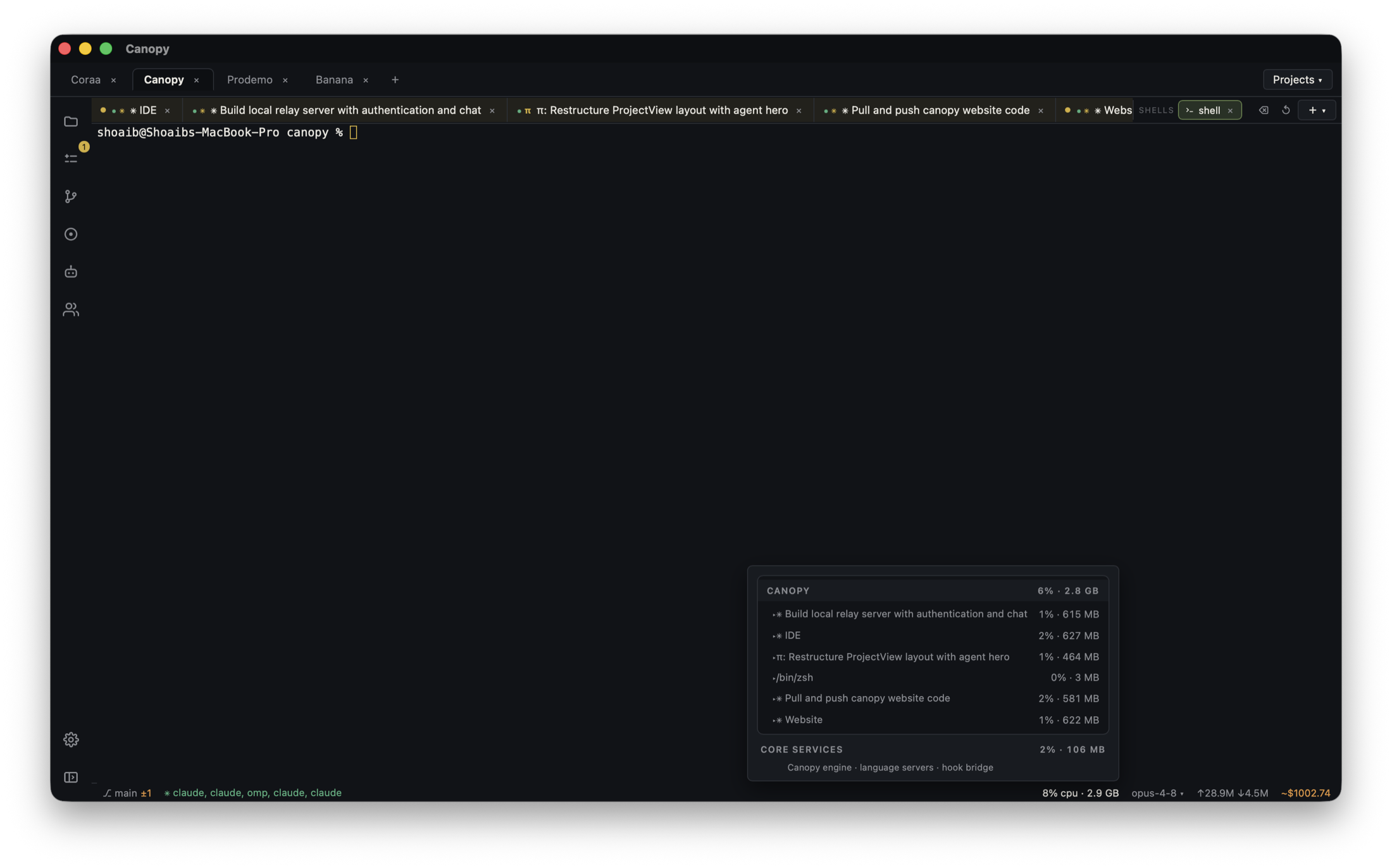
Two dev servers competing for one port can show you the wrong branch. Give each checkout its own frontend port, check the output in Canopy Servers, and open the reported URL. Note which database, API, worker or cache each tree uses; a shared stateful service can contaminate both branches' tests.
Finish with a clean setup note
Once it runs, add the safe, repeatable steps to the README or brief: runtime version, install command, variable names, services and run command. Keep real values in your secret store.
Copyable resources
Run only the commands that match your project's tooling; never include secret values in the report.
Checkout and branch: [path] / [branch]
Command and first error: [exact command; redact credentials]
Tracked files present? git status --short; git ls-files | head
Ignored config expected? git check-ignore -v .env.local
Runtime and install command from README/lockfile: [ ]
Dependencies installed in this checkout? [yes/no]
Services needed and their actual URLs/ports: [ ]
Does the same command run in the main checkout? [yes/no]
Next action: recreate setup, change service config or investigate source code.
Frequently asked questions
Why is my .env file missing in a new Git worktree?
If it's ignored and untracked, Git doesn't check it out. Provide the required values with a safe, project-specific method; don't commit secrets to make worktrees easier.
Can two worktrees share one node_modules directory or Python venv?
Some projects support shared dependency caches, but copied install directories and virtual environments usually aren't portable. Run the project's install process in each checkout.