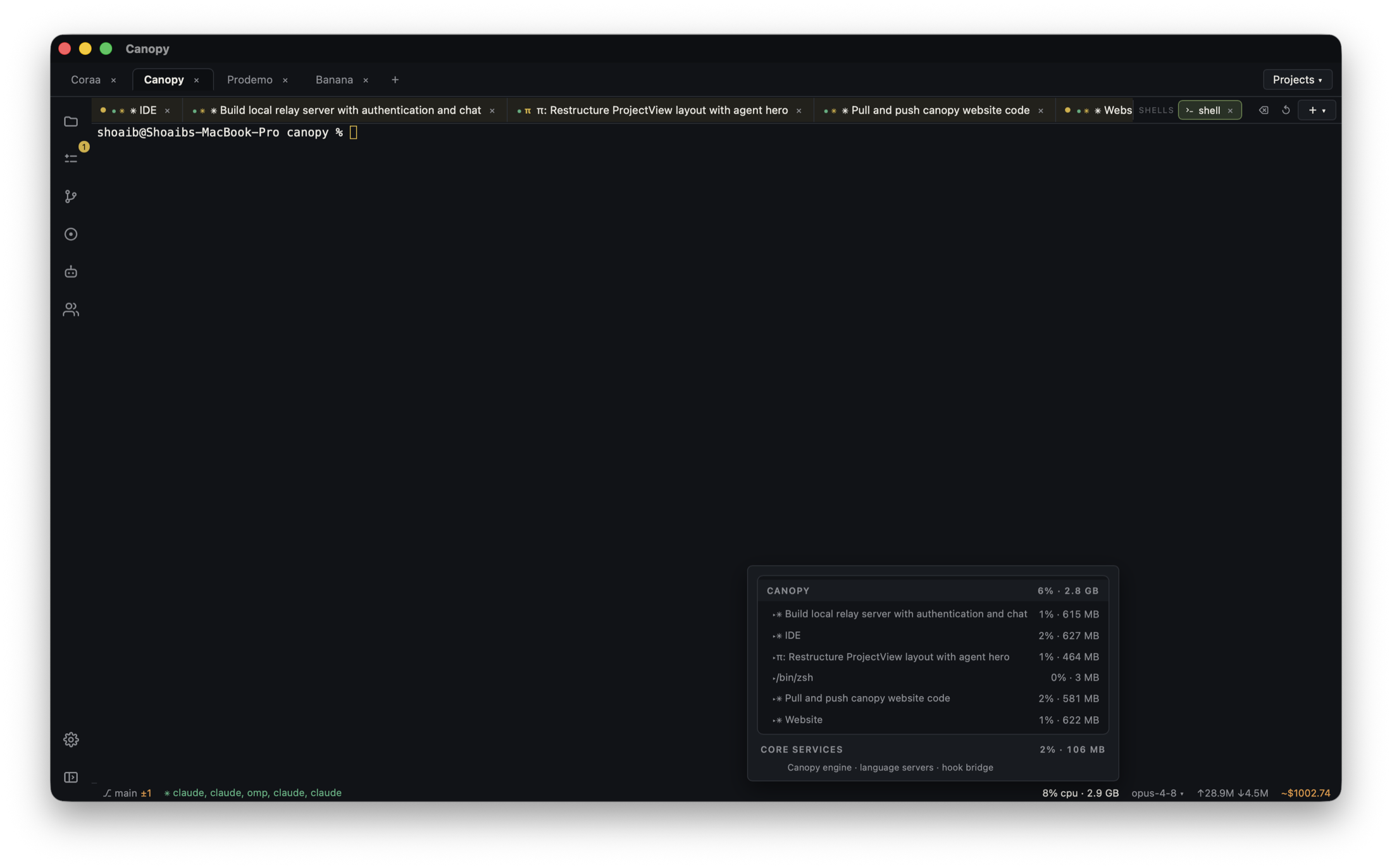
A page opened at localhost can still call a hosted production API or database. The code runs on your computer; the data target is determined by the app's configuration and requests. Before you ask an agent to test a save, delete, import, payment, or migration, identify the target for every component that can write. If it is unclear, stop at read-only inspection.
Separate the page URL from the data destination
The browser may load the frontend from localhost while its JavaScript sends requests to a hosted Supabase project or your production API. That API may then write to a database or queue work in another environment. A Git branch, worktree, local development server, and Vercel Preview URL do not by themselves create a separate database. In Canopy, note the project component and checkout for each saved server command, then list the website, API, worker, and external services the task will touch. Do not infer the backend from the page's localhost address or from an environment label alone.
| Component | Question | Evidence to inspect |
|---|---|---|
| Browser page | Which API or Supabase project receives its request? | Network request host, app configuration, project identifier |
| Local API | Which database and service credentials does it use? | Variable names, selected environment, sanitized host or project ID |
| Worker or webhook | Where will a background effect run? | Queue project, environment, destination service |
| Database | Is this local, staging, or the live project? | Owner-confirmed project and safe test-data plan |
Inspect configuration without exposing credentials
Read the project's setup instructions and locate the variable names used by each component. Compare nonsecret identifiers, such as the intended project reference, endpoint host, or environment name, with the owner-approved development target. Do not paste a full .env file, database URL with password, secret key, or private request into an agent prompt or public issue. Supabase distinguishes publishable browser keys from secret server keys; the publishable key being safe to expose does not make the referenced data a safe test target. Vercel defines Development, Preview, and Production variable scopes, but the values in each scope still need to point at the intended backend. Check the exact process and deployment that received them.
- Record variable names and redacted destinations, not credential values.
- Check frontend, API, and worker separately; they may load different files or settings.
- If the app calls your own API, trace that API's database target too.
Use a read-only check before the first write
Open the running page and inspect the browser Network request for the relevant action without submitting a destructive form. Match its host or project reference to the intended test project. For server-side work, ask the process owner to confirm the selected environment and sanitized database identity through the provider or app's approved settings surface. Do not use a data-changing query just to discover which database is connected. Supabase's CLI documentation warns that local-versus-linked defaults differ by database command; pass an explicit target and review the command before any reset, push, or migration. If you cannot prove the target, do not run the agent's write test.
- Capture the exact branch, process working directory, run command, and observed local URL.
- Ask the owner whether the remote project identifier is development, staging, or production.
- Keep migrations and resets out of a diagnostic read-only pass.
Switch to a safe target and verify again
Use the team's designated local or separate development environment, with test accounts and disposable records. Supabase documents a local stack and separate environments for schema testing; a hosted development project is also possible when the team owns it. Update the intended configuration through the project's normal secret-management process, restart the affected app and worker processes, and inspect their fresh output. Environment changes may not affect an already running process or an existing Vercel deployment; Vercel says changed variables apply to new deployments. Repeat the endpoint check before doing one harmless, reversible test write, then confirm the record appears only in the development target.
- Do not copy production credentials into a local or Preview environment to make a demo work.
- Avoid copying real customer data into a test project without the owner's data-handling plan.
- If the app has a webhook or queue, verify its environment before triggering the test action.
Give the agent a bounded test and review the result
Tell the coding agent which project and data environment are approved, what action it may perform, and what it must not run. Ask it to report the endpoint identity without printing credentials, the exact test account or disposable record type, commands run, and observed result. In Canopy, keep the server output, browser Preview, agent checkout, and final diff beside the task. Review changes to .env examples, deployment settings, migrations, service URLs, and API calls; a working local UI is not evidence that its data stayed local. A human owner should approve any production migration or data operation separately.
- Test one safe create or update only after target verification.
- Check both the browser result and the intended development database record.
- Recheck the final branch and configuration before a PR or deployment decision.
Copyable resources
Before my agent writes test data
Fill identifiers without sharing credentials or customer records.
Local page URL and branch/worktree: [ ]
Website run command and working directory: [ ]
Observed browser API host or project reference (redacted): [ ]
API service and database target confirmed by owner: [ ]
Worker, queue, webhook, payment, or email target: [ ]
Development/test environment approved for writes: [ ]
Test account and disposable record type: [ ]
Read-only checks completed; no reset/push/migration run: [ ]
Allowed agent action and acceptance check: [ ]
After test: destination record, process log, final diff, and reviewer: [ ]
Frequently asked questions
Does localhost mean my database is local?
No. Localhost identifies where that web page or process is served. Its browser requests and server-side configuration can still reach a hosted production API, database, queue, or payment service.
Can I tell from a Supabase publishable key that testing is safe?
No. A publishable key identifies a project and is intended for browser use, but that project can still contain live data. Confirm the project reference and access rules before a write test; never expose a secret or service-role key.
Can I let the agent run a migration after it sees a development label?
First confirm the actual database project and whether the command targets local or linked state. Review the migration and recovery path separately before any production operation.
Sources and further reading
- Public builder question: avoiding accidental production database changes ↗
- Supabase local development: local versus linked CLI targets ↗
- Supabase: managing development, staging, and production ↗
- Supabase API keys and their access boundaries ↗
- Vercel variable scopes and new-deployment behavior ↗
- Canopy app README: project services and Preview ↗