
Your app runs at localhost, but its Supabase URL still points to a hosted project. The browser address doesn't choose the database. Start a separate local Supabase stack, point the app at its URL and keys, and prove one disposable record lands there before an agent imports data, runs migrations or fixes the feature.
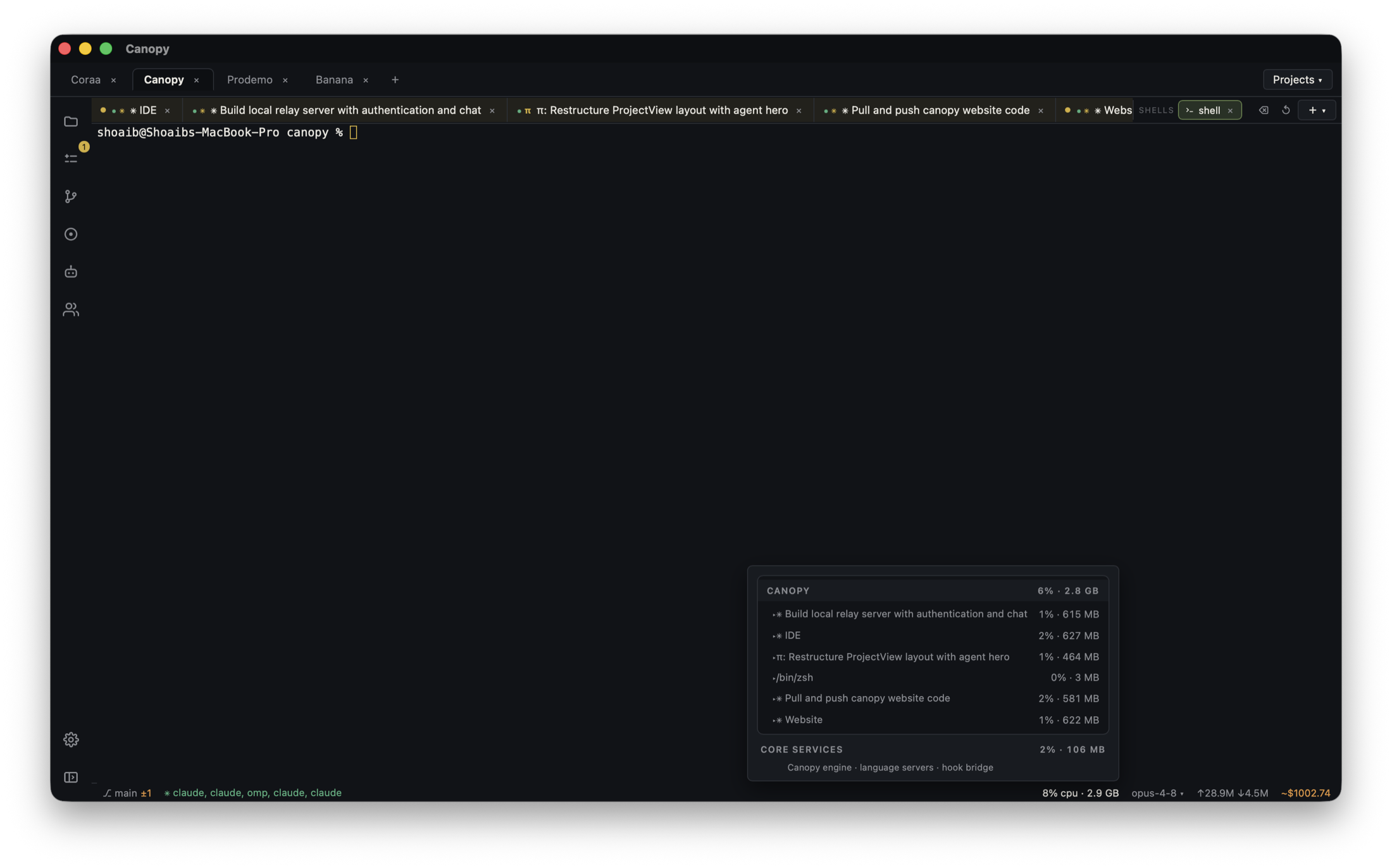
Check what the repository already has
In Canopy, note the repo's package manager, run commands, any `supabase/` directory and its environment-variable names. Don't run `supabase init` in a project that's already initialized. Most CLI commands expect the directory holding `supabase/config.toml`. If there's no Supabase folder, agree with the owner where schema and migrations will live.
Supabase documents Node.js 20 or later for the npm-installed CLI, plus a running Docker-compatible container runtime.
- Read the repo's setup notes and lockfile before installing a second CLI version.
- Record the working directory for the app and for Supabase.
- Keep production connection strings and secret keys out of agent prompts and screenshots.
Start Supabase and read its status
For a new project, run `supabase init` once, then `supabase start`. With the CLI as a project dependency, use the package runner, such as `npx supabase start`. The first start downloads container images and takes longer.
Then run `supabase status` for the local Project URL, database, Studio and Mailpit URLs, and keys. Treat that output as secret. The containers keep running after the start command exits, and a saved Canopy command doesn't mean they're running now. Use status and a real app request to check current state.
| Component | Command or owner | Evidence it is ready |
|---|---|---|
| Container runtime | Docker-compatible runtime on this machine | `supabase start` completes without container errors |
| Supabase stack | CLI command in the initialized repository | `supabase status` shows the intended local project and URLs |
| App server | Repository's dev command in Canopy Servers | Printed local URL and a successful browser request |
| App data path | App configuration and network request | Disposable write appears in local Studio or a local read |
Point the app at the local project, not just localhost
Find every place the app reads its Supabase URL and keys: browser client, server routes, workers, test runner and generated config. Set the values from `supabase status` through the app's own environment mechanism, and keep live settings in the deployment environment. Don't paste a generic `.env` snippet; variable names depend on the framework.
Publishable keys can go to the client; secret or service-role keys stay on the server. Restart processes that read the old values. If a browser request still reaches a hosted Supabase domain, the app isn't using local data.
- Check the frontend's request host and the backend's target separately.
- Give workers and scheduled jobs the same development target and check their own runs.
- Never paste full `supabase status` output into an issue, agent chat or screenshot.
Prove one safe write and one fresh read
Create a disposable record with a unique label through the app. Confirm the request targets the local Project URL, then find the record in local Studio or with a fresh read. Reload and check what the product promises.
If Save only updates component state, the local stack can't fix persistence; trace the handler and response. If the record lands in hosted Supabase, stop and fix the endpoint before an agent touches schema or data. Test a failed request too, so the UI doesn't claim a save the backend rejected. Use separate test users if authorization matters.
- Ask the agent for changed environment names, code paths, migrations and tests, then read the diff.
- A green `supabase status` is an input to the test, not proof the app uses that stack.
Make the next startup repeatable
Save the app's run command in Canopy Servers. You can save `supabase start` as a project action, but check state with `supabase status`. Note which checkout's `supabase/config.toml` owns the local project, without recording keys.
`supabase stop` keeps local data; reset and no-backup options can delete it. Don't run destructive cleanup just to give an agent a fresh start. Worktrees don't isolate containers or data, so agents sharing one local project must take turns with mutating tests and migrations.
- Document startup commands, expected URLs and a safe test account for the team.
- Review schema and migration changes before applying them to shared or hosted projects.
Copyable resources
Use redacted identifiers. Keep real keys in the app's approved environment config.
Repository, checkout and branch: [ ]
App command, working directory and printed URL: [ ]
Supabase CLI install method and command form: [ ]
supabase/config.toml location: [ ]
Container runtime ready; supabase start result: [ ]
Redacted local Project URL from supabase status: [ ]
Browser/client host; backend/worker host: [ ]
Disposable test record and write request host: [ ]
Fresh local read or Studio evidence: [ ]
Failure-path result; production target checked: [ ]
Saved startup commands, final diff, tests and owner: [ ]
Frequently asked questions
Does running my app at localhost automatically use local Supabase?
No. The app can still call a hosted Supabase URL. Check the config used by its browser client, backend and workers, then confirm a real request and record in the local project.
Why did supabase start finish while the database still runs?
The CLI starts a containerized stack, reports its URLs and exits. The containers keep running; use `supabase status` and an app request to check current state.
Should I replace my production Supabase keys in the repository?
Keep production settings in their deployment environment and use separate local config. Never commit secret keys or put a service-role key in browser code.
Will two agent worktrees get separate local Supabase databases?
Not automatically. Different checkouts can point to the same local URL and containers. Compare their config and coordinate writes and migrations.