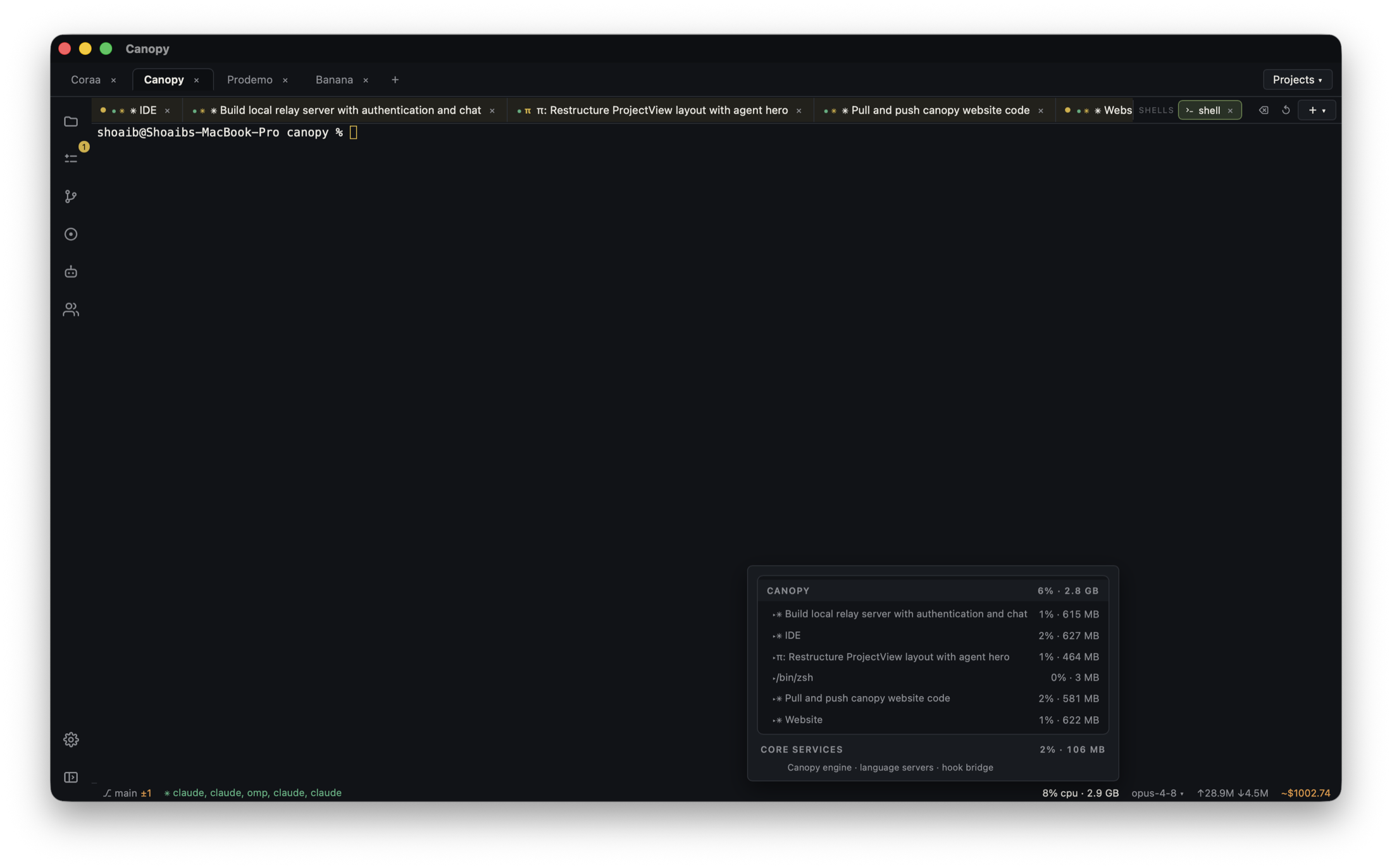
Your agent adds a welcome-email task and says the development worker is ready. Pressing Sign up could still send through a real email provider, because the worker executes task code with the configuration it receives. A Development run is a real run in a development environment, not a promise that every downstream call is harmless. Test the task with a controlled recipient and payload, then test the app's trigger path separately.
Map the whole path before triggering
For a signup email, write down the local page, backend route, Trigger.dev project and environment, worker, email provider, recipient selection, and database target. Canopy can save and run the website, API, and Trigger.dev development worker as separate project components. Its Servers panel shows commands and output, but it does not make external email or database calls into a sandbox. Confirm the current checkout and the exact process running each component. Inspect variable names and redacted environment identifiers without exposing API keys, customer addresses, or message bodies to an agent or issue.
| Boundary | Check | Unsafe assumption |
|---|---|---|
| App backend | Development Trigger key and test account | Local page implies development tasks |
| Trigger project | Development environment and task version | A green worker means the right task is registered |
| Email provider | Approved test key or mode and test recipient | DEV run cannot send real mail |
| Data and callbacks | Disposable record and non-production destination | A test email is the only side effect |
Choose a payload that cannot reach a customer
Use a synthetic signup record and an address provided by the email service for testing, or the team's approved capture inbox. Resend documents delivered@resend.dev for a simulated delivered event and separate addresses for bounce and complaint tests. Those addresses are provider-specific; do not invent a fake domain or send to a customer's address. Verify that task code takes the recipient from the safe test payload or development configuration, rather than looking up an existing production user or mailing list. If it ignores the test recipient, stop before running and fix the test boundary first.
- Use dummy names and non-sensitive message content.
- Check all recipients, including CC, BCC, fallback, and notification addresses.
- Confirm any callback, CRM, analytics, or database write also uses a development target.
Test the task directly in Development
Start the one intended Trigger.dev dev worker from the saved Canopy command and read its project link and registration output. Trigger.dev's quick start says its dashboard Test control starts a task run in the chosen environment and shows its live run page. Select Development, the exact task, and the controlled payload; inspect the run ID, outcome, logs, and email provider event. A successful Trigger run means the task reached its terminal state, not necessarily that a real inbox received the right message or that the application triggered it. Avoid clicking Run test again until you know whether the first run executed and whether the task can retry; repeated runs can repeat downstream effects.
- Keep only the intended local development worker for one project when diagnosing queued runs.
- Record the task ID, run ID, environment, recipient class, and provider event without private message content.
- If the run fails, identify the first failing boundary before retrying.
Then test the signup route once
After the direct task test passes, use a fresh disposable test account in the locally running app. Trigger.dev distinguishes dashboard tests from calls made by your backend: the app needs the Development key and the correct trigger route. Submit the form once, then find the new run ID in the same Development project and inspect its trace and provider event. If no run appears, check the app request and backend log. If a run appears under the wrong project or environment, stop before repeating the signup. Verify the test account and data record were created only in the intended development store.
- Tie one browser action to one backend request and run ID.
- Check whether a retry or duplicate signup could send more than one email.
- Do not switch to a Production key to make a failed local demo pass.
Review the agent's change before enabling real delivery
Inspect the final PR for environment-variable changes, hardcoded recipients, secret exposure, retry settings, and what happens when the email provider returns an error. A test-only recipient should be selected through a clear development path and should not silently replace production recipients. The app owner should approve live credentials, recipient rules, message content, and a rollout plan after the Development evidence is recorded. Canopy helps keep the task, process output, agent checkout, and diff together; the email provider and Trigger dashboard remain the sources for delivery and run state.
- Confirm the latest code and run refer to the same branch and task version.
- Test a provider error or bounce with the provider's documented test route.
- Record who will monitor the first live run and how duplicate sends are prevented.
Copyable resources
Safe welcome-email task test
Use no customer addresses, production keys, or real personal data in this card.
Feature: signup welcome email
Local app branch, checkout, and URL: [ ]
Backend route and Development Trigger project/environment: [ ]
One worker process and registered task ID: [ ]
Email provider test mode/key owner and documented test recipient: [ ]
Other side effects and approved test destinations: [ ]
Direct dashboard test payload, run ID, task outcome, provider event: [ ]
App signup test account, request, new run ID, provider event: [ ]
Duplicate/retry and error-path result: [ ]
Final diff, environment changes, and live-delivery owner: [ ]
Frequently asked questions
Does running trigger.dev dev stop a task from sending real email?
No. The development worker executes the task code with its configured integrations. Check the downstream provider, recipient, and any database or callback targets before triggering it.
Why test in the dashboard and through the app?
The dashboard test checks task registration and execution with a controlled payload. The app test checks its backend trigger key, request path, and resulting run. One can pass while the other is misconfigured.
Can I replay a failed email run immediately?
First inspect whether it sent any email and whether retries or other side effects already occurred. Use a safe test recipient and an explicit duplicate-send decision before another run.