
The page works in Canopy Preview, but `localhost:3000` fails on your phone. On the phone, `localhost` means the phone itself. Use the computer's LAN address and the server's real port, then check that the page's API requests and browser features work from that new origin.
Use the computer's address, not the phone's localhost
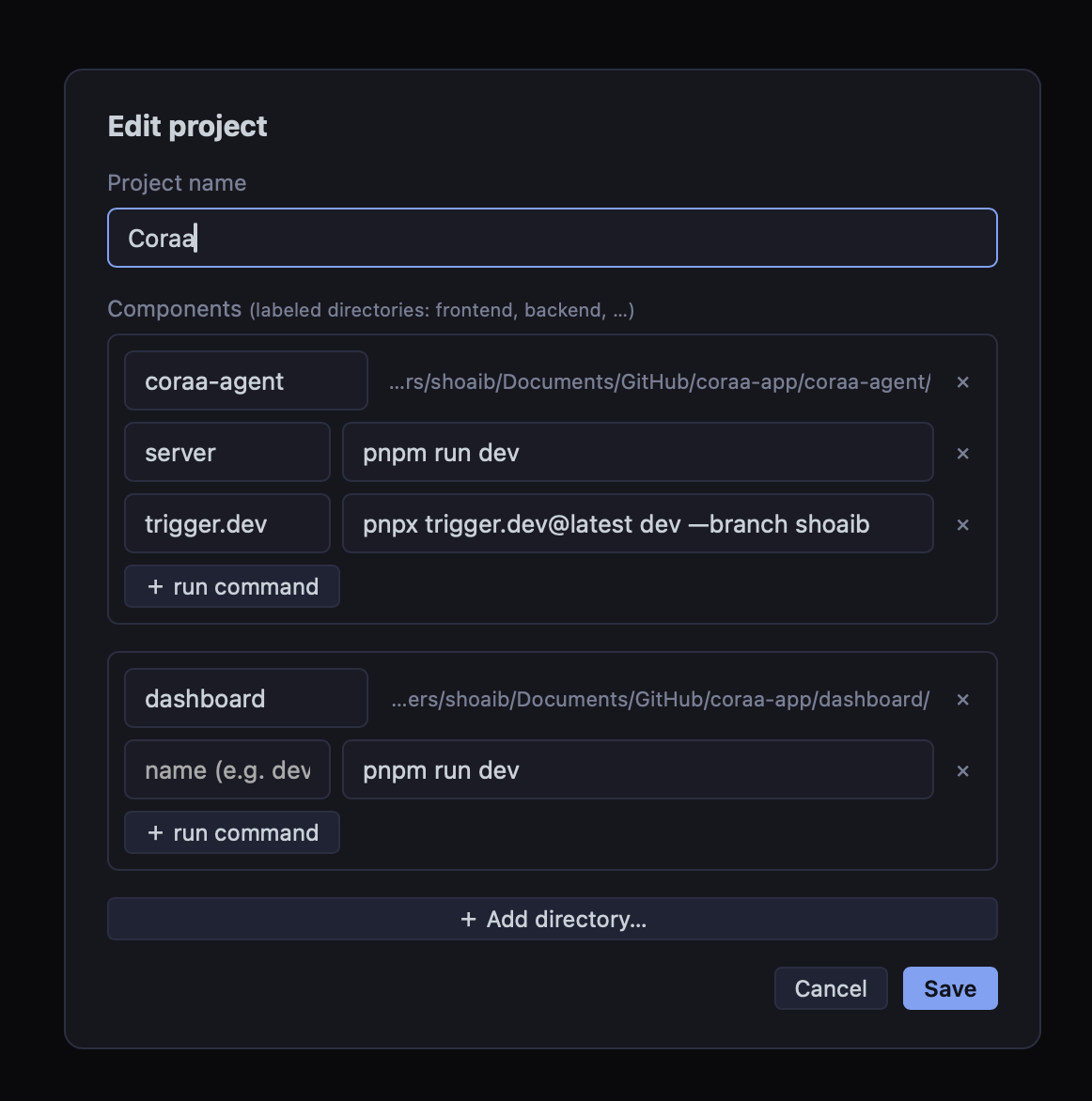
Start the app from the right checkout in Canopy Servers and note the port it prints. On the phone, open `http://<computer-LAN-address>:<port>`, not `0.0.0.0` or `localhost`.
Both devices need a route to each other. Guest Wi-Fi, client isolation, a VPN or a firewall can block it. Try the LAN URL on the computer first. If it fails there, fix the server's bind or port before looking at the phone.
| What you see | Check next | Likely owner |
|---|---|---|
| Computer's localhost works; its LAN URL fails on the computer | Server bind host and printed port | Dev server configuration |
| Computer LAN URL works; phone times out | Network route, guest isolation, firewall, VPN | Local network or host firewall |
| Phone loads HTML but app actions fail | Browser API requests and backend bind/URL | App configuration or API server |
| Phone loads but camera or service worker fails | HTTPS and secure-context requirement | Browser origin or preview setup |
| Phone shows another branch or app | Port, process working directory and checkout | Local service selection |
Make the dev server listen on the LAN
A server bound only to loopback refuses LAN connections. Vite defaults to `localhost`; add `--host` or `--host 0.0.0.0` to listen on the LAN, unless the repo's script already does. Next.js documents `next dev` with a default hostname of `0.0.0.0`, so an unreachable Next app likely has a network or app-level problem.
Use the printed port: Vite picks the next free port unless strict port is on. Save the working command in Canopy and retest the LAN URL.
- `0.0.0.0` is a listening address, not a URL to browse.
- WSL2 on Windows may need extra networking setup even when Vite listens on all addresses.
If the page loads but the app fails, follow its requests
The page can load over the LAN while its JavaScript still calls `http://localhost:5000` or a local Supabase URL. On the phone, that `localhost` is the phone, so forms and data fail. Use remote debugging or server logs to find the failing request's host and status.
A relative `/api` route or Vite's development proxy keeps requests on the page's origin. A backend reached directly needs its own LAN bind and allowed-origin settings. Never fix a failed local request by switching to production API keys or data.
- If the request arrives but login fails, check cookies, allowed origins and callback URLs.
- After changing an API URL, test one safe read and write against development data.
Expect HTTPS-only features to break over plain HTTP
Browsers treat `http://localhost` as a secure context; an ordinary `http://192.168...` address generally isn't. MDN documents that service workers need a secure context, and `window.isSecureContext` shows the browser's decision. If the camera or a service worker fails only on the phone, check this before asking an agent to rewrite the feature.
Use an HTTPS dev route with a trusted certificate, or an approved preview deployment. A tunnel works too if it's set up for the app and its backend. Keep production data away from any dev server other people can reach.
- Test login, API calls and callbacks on the same HTTPS route.
- Don't disable host or CORS protections broadly to make one phone test pass.
Viewing the page is not the same as controlling the agent
Canopy Remote lets an authorized phone or browser control a running Canopy host: terminals, agents, changes, services and usage. It doesn't publish your dev server as a website. For an off-network demo, use an approved preview deployment or an authenticated tunnel.
Note the tested URL, port, checkout, network and backend so the next session doesn't debug yesterday's server.
- Stop a temporary access route when the test is done.
- Review the diff if an agent changes bind, CORS, auth or environment settings.
Copyable resources
Use a test account and redacted network identifiers. Don't share credentials or customer data.
Checkout, branch and Canopy service command: [ ]
Printed local URL and port: [ ]
LAN URL and result on the computer: [ ]
Phone network and LAN URL result: [ ]
Server bind host and framework: [ ]
Firewall, guest Wi-Fi, VPN or WSL checked: [ ]
If the page loads, failing API request host/status: [ ]
Backend, auth callback and development data target: [ ]
Secure-context result and feature tested: [ ]
Working URL, test result, changed files and owner: [ ]
Frequently asked questions
Why does localhost work on my laptop but not my phone?
Each device has its own loopback address. Use the laptop's LAN address and the app's real port, and make sure the server listens on a LAN interface.
Should I put 0.0.0.0 in my phone browser?
No. It tells a server which interfaces to listen on. In the browser, use the computer's LAN address and the port the server printed.
Why does the page load on my phone while Save fails?
The frontend is reachable, but its API URL may still name localhost, which is the phone, or another unreachable service. Check the request host and backend config before changing code or data settings.
Does Canopy Remote make my local website public?
No. Canopy Remote controls and inspects the running desktop host. Publishing or tunneling your dev server is a separate setup.