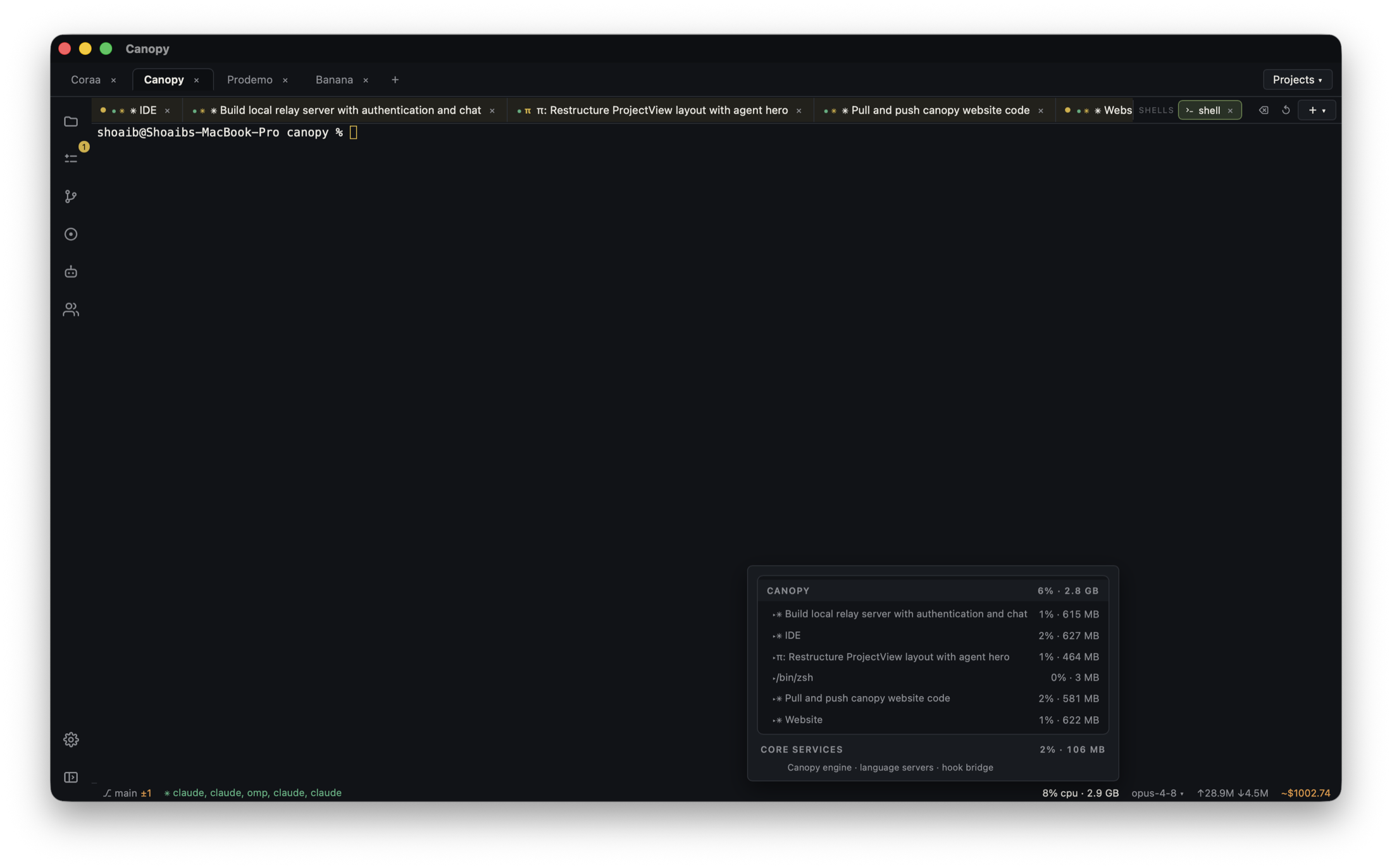
A red server row can mean a wrong directory, missing runtime, occupied port, or failed dependency. A green row can still point to the wrong worktree or an app whose API is down. Collect the first useful process evidence before asking a coding agent to change application logic.
Identify the exact process that failed
In Canopy's Servers view, record the project component, configured working directory, saved command, branch or worktree, process state, and first error line. Do not diagnose a website failure from an API log or a worker failure from a browser screenshot. The current-main Canopy README describes saved services, output, detected ports, and Preview; check the installed release for the controls you actually have. A saved command is configuration, not evidence that the process launched successfully. If several worktrees are open, the path is as important as the command.
Use the first error to choose a branch
If the command is not found, check the runtime and whether dependencies were installed in that checkout. If a package script is missing, inspect that component's package.json rather than inventing a new command. Node.js documents EADDRINUSE as a bind failure because another local server occupies the address; identify the owner before stopping it or assigning a different port. ECONNREFUSED points toward a dependency that is not accepting connections. A process that starts and immediately exits may have a missing environment value, build error, or unsupported runtime. Preserve the first failure; later retry noise often hides it.
| Observed first signal | Check next | Avoid |
|---|---|---|
| Command or script missing | Directory, runtime, package scripts, installed dependencies | Rewriting app code before setup is known |
| EADDRINUSE | Which process owns the address and which checkout needs it | Killing an unknown service or guessing a new URL |
| ECONNREFUSED | The named API, database, or local service and its ready line | Treating frontend compilation as end-to-end success |
| Ready line but wrong page | Printed host/port, Preview URL, branch, and backend requests | Trusting yesterday's browser tab |
| Worker starts but no job runs | Worker registration, dev environment, dashboard run state, and task logs | Assuming a live terminal proves a task executed |
Read the URL the process actually printed
Some development servers can move to another port when the requested one is occupied. Vite's official server options document that default behavior and a strictPort setting that instead exits. Use the URL and port printed by this run, then match it to the component and checkout before opening Preview. If two agents run frontends from separate worktrees, give them distinct known ports and record which URL serves each branch. The port-collision guide covers that parallel setup. A page loading at localhost does not prove it is the page the agent just changed.
Check the dependency chain
Start the smallest prerequisite first: for a website/API/worker project, confirm the API ready line, then worker connection, then website URL, adjusting the order to your repository. Open the page and perform one action that should reach the API or worker; compare the matching request and logs. For a Trigger.dev development worker, the official setup keeps trigger dev running and verifies registered tasks and a test run in the Trigger.dev dashboard. Canopy can show the local process output, while the dashboard is the authority for task-run state. A stopped worker can leave the website and API looking healthy until the job is triggered.
Hand the agent a bounded startup failure
Tell the agent the component and checkout, exact command, first error, expected ready line or URL, and what you already checked. Ask for a diagnosis before edits. If the fix changes a port or environment setup, update the saved run command and project documentation after verifying it; if it changes code, inspect the diff. Restart only the affected components and repeat the original action. Do not let a broad 'try again' loop launch several duplicate servers or consume new ports without recording what each run did. The result is accepted when the intended service starts, the expected path works, and the latest changes are reviewable.
Copyable resources
Server startup handoff
Share error text without secrets, tokens, or private response bodies.
Project/component and checkout/branch: [ ]
Saved working directory and exact command: [ ]
Runtime and installed dependencies checked: [ ]
First error line, exit code, and time: [ ]
Expected ready line and URL: [ ]
Actual printed host/port or no ready line: [ ]
Other process or dependency status: [ ]
Browser action and matching API/worker evidence: [ ]
Please diagnose this startup path before editing, make the smallest justified correction, restart the affected service, repeat the action, and report the final diff and check results.
Frequently asked questions
Should I kill whatever owns the port?
Identify the process and checkout first. It may be another valid project or agent preview. Stop the intended process or assign a documented separate port.
Why does a ready server still show the old page?
The URL may belong to another worktree or port. Match the printed address, process working directory, branch, and Preview tab before judging the change.
Does a running Trigger.dev dev command prove my task ran?
No. Check task registration and the specific run in Trigger.dev's development dashboard, then compare its logs with the local worker output.