
A monorepo can hold a marketing site, customer app, API, shared UI package and worker in one Git history. Ask an agent to fix the billing page without naming its owner and it may edit a similar page in another app or start the wrong server. Map the feature to its package first, then tie the task, running URL and diff to that package and checkout.
Find the package that owns the user journey
Read the root README, workspace config and package manifests. Trace the URL or route to its source package and its shared imports. A billing download might have its page in apps/customer-web, its route in apps/api and its CSV formatter in packages/exports.
A directory name doesn't prove ownership; check imports, route registration and tests. Record the checkout and branch too, since several agents may have worktrees of the repo.
- Note lookalike pages or old implementations the agent must not edit.
- Read package scripts before guessing a dev command.
Give the agent a bounded area to search and edit
Ask for a read-only inventory first: relevant paths, current behavior, shared dependencies and tests. Then assign one observable outcome, and let it widen scope only when it explains a real dependency.
Exact paths, the real route and a known failing check beat dumping the whole monorepo into the prompt.
- Ask the agent to report any file outside that area before changing it.
- Use separate worktrees for independent changes; tabs share files in one checkout.
Run only the component that shows the change
Use the repo's own scripts. npm targets one workspace with `--workspace`; pnpm selects a package or its dependency graph with `--filter`. They aren't interchangeable, and a root orchestrator's documented target comes first.
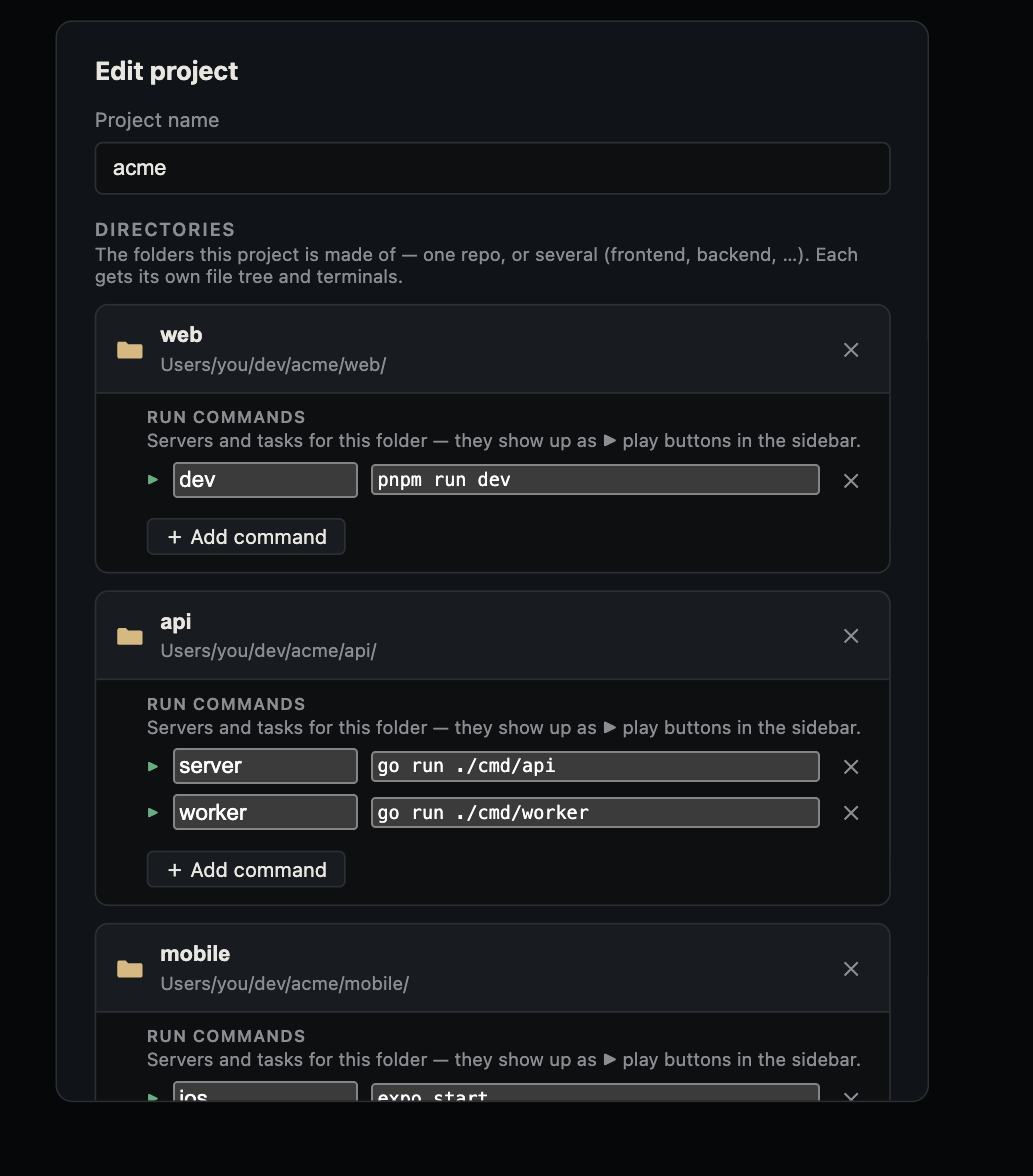
In Canopy, save each command with the right working directory and label. A server can start fine while serving another package or worktree, so check its output and URL.
| Component | Evidence | Run or check |
|---|---|---|
| Customer web | apps/customer-web route and package manifest | Open its local URL and the billing page |
| API | apps/api export endpoint and access tests | Run its dev and focused test commands |
| Shared exports | packages/exports callers and CSV tests | Run package tests and one consuming-app check |
Widen tests to match the dependency, then review the diff
Test the changed package first. If a shared export contract changed, test its consumers too, including the reports flow. A filtered command only tests what it selects.
Ask why any root config, lockfile, migration or unrelated app changed. In the running product, check the requested behavior and one behavior that could regress. Record the commit, command and URL you checked.
- Run broader CI before merge when shared packages or contracts change.
Leave the next agent a short map
Write a short handoff: user journey, owning package, shared dependencies, command, URL, tests, branch and one open decision. Don't turn a temporary path list into a permanent instruction file; Claude Code's memory docs recommend concise, scoped instructions. Canopy keeps the task and running components together; each CLI still controls its own context.
Copyable resources
Fill this from the repository before allowing edits.
User journey and failing or missing behavior: [ ]
Checkout path and branch: [ ]
Owning app/package and route: [ ]
Shared packages or services it calls: [ ]
Lookalike or legacy app to avoid: [ ]
Read-only inventory: cite source files, callers, tests and package scripts before editing.
Expected result and failure-path check: [ ]
Initial edit area: [ ]; explain any expansion first.
Frontend/API/worker commands and working directories: [ ]
Local URL and process output: [ ]
Focused tests, consuming-app checks, final diff and commit: [ ]
Frequently asked questions
Should I open the agent at the monorepo root or the app folder?
Follow the CLI's and repository's instruction-discovery rules, then confirm the working directory. Starting in the app folder reduces noise, but the agent may need shared packages and root config.
Does a pnpm or npm workspace filter prove the whole app works?
No. It selects packages or commands. Also run the user journey and dependent-package checks, and the repo's broader CI when shared code changes.
Will two agent tabs isolate two apps in the same monorepo?
No. Tabs separate sessions, not files. Give independent code-changing agents separate worktrees and confirm each one's directory and branch.