An agent can create files and say the app is done while you still have no page to open. The run command belongs to the project, not to a universal AI-app recipe. Find it in the project instructions, start it from the right folder, and verify the printed URL before judging the feature.
Find the instructions in the right folder
Open the project folder and look for README.md or a setup document before trying commands from a search result. A JavaScript project often declares named scripts in `package.json`; npm's documentation says `npm run <name>` runs one of those declared scripts. A Python, Rust, or container-based project may use a different command. Read the files in this repository and ask the agent to identify the exact script and working directory; do not assume `npm run dev` exists everywhere. If the product has a website, API, and worker, each may need its own command.
Confirm prerequisites before starting
Check which runtime the repository asks for and whether it is installed. The first-agent practice project needs Python 3 but no package install. Its current README says to open the unzipped folder and run `python3 -m http.server --bind 127.0.0.1 4173`, then open `http://127.0.0.1:4173`. The explicit bind keeps this sample server on your computer's loopback interface; Python's default HTTP-server binding can expose it more broadly, and its docs warn against production use. Your own project may require dependencies, environment variables, a database, or a login. Ask who owns those prerequisites rather than copying a secret into chat.
Read the first failure literally
Run the documented command from its documented directory and keep that process open. Copy the first relevant error line and the command you ran. A missing executable, missing script, occupied port, or failed API connection are different problems. Do not ask the agent to rewrite the product until you know whether the app process started. If a command prints a URL, open that exact URL and compare it with the expected page; a running server can still serve the wrong folder or an outdated checkout.
| What you see | Likely boundary to inspect | Evidence to send the agent |
|---|---|---|
| command not found | Required runtime or CLI installation and PATH | Command, platform, README prerequisite |
| missing script | Current folder and declared package.json scripts | Working directory and scripts section |
| port already in use | Another process using the documented local port | Port, process output, expected URL |
| server ready, page fails | Browser URL, API, console, or wrong checkout | Exact URL, browser error, service log, branch |
Ask the agent for a run receipt
A useful request is: 'Read this project's README and package or runtime configuration. Tell me the exact directory and command to start each component. Run only the commands needed for a local preview. Report the URL, first relevant log line, and any missing prerequisite; do not change product code to hide a setup error.' Check whether the agent actually ran those commands. A screenshot of a static mockup or a completion message is not proof of a working local app. Open the page and try the behavior yourself.
Save the verified commands
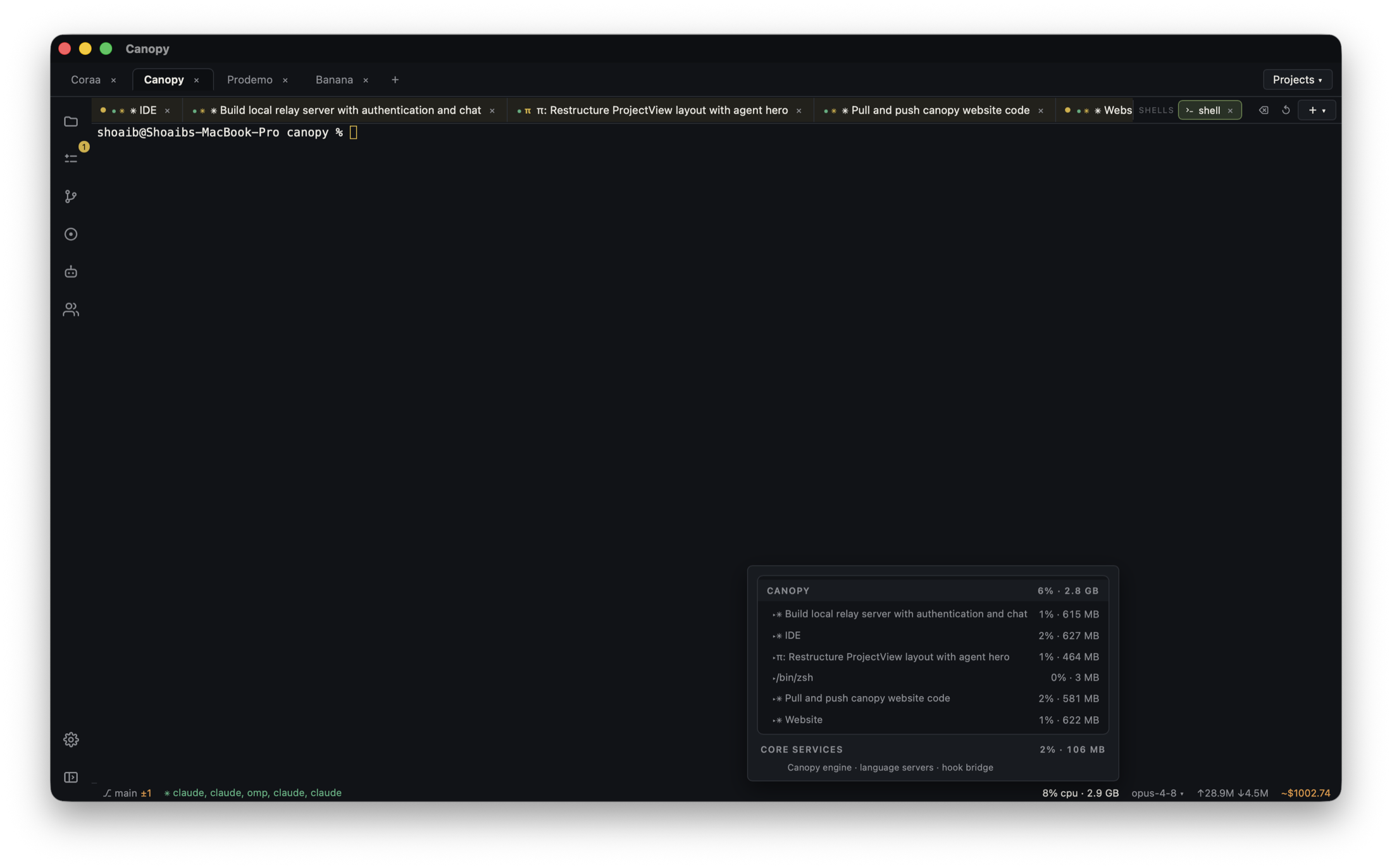
After the command works, save it as a project component in Canopy's Servers panel with the correct working directory. Next time, inspect whether the process is already running before starting a duplicate. Canopy can show process output and detected ports and open a local Preview according to its current-main README; verify those controls in your installed release. Save the URL and any startup order in the project README so another person or agent can reproduce the result. A saved command is a restart shortcut, not deployment or hosting.
Copyable resources
Copyable run-command request
Give this to a coding agent after pointing it at the actual project folder.
Find how to run this project locally. Read README.md and the runtime or package configuration first.
For each component, report: folder, exact command, prerequisite, expected log line, and local URL.
Start only the documented local services needed for a preview. If a command fails, show the first relevant error and diagnose setup before editing product code.
Do not print or commit secrets. Do not deploy.
When ready, show the running page and tell me what behavior I should test. I will inspect the page, logs, and final diff.
Frequently asked questions
Is npm run dev the command for every AI-built website?
No. It only works when the project defines a matching script and the required tools are installed. Read the project's own instructions and package configuration.
Why does the command work for the agent but not for me?
Check the working directory, runtime version, installed dependencies, environment, and port. Ask the agent to show the exact command and first successful log line from the same checkout.
Can I just double-click index.html?
A simple static page may open that way, but browser storage, modules, requests, and app frameworks can require a local server. Follow the project's documented run method; the practice board uses a small loopback HTTP server.
Does saving a run command in Canopy publish my app?
No. It starts a local process on your computer. Hosting or deployment is a separate project decision.