
An agent can report the branch you asked for while writing to another directory. An absolute path, a reused terminal or a server started from an old checkout can bypass worktree isolation. Stop new edits, find what changed on disk, and move only the work you understand.
Pause the agent and inventory every checkout
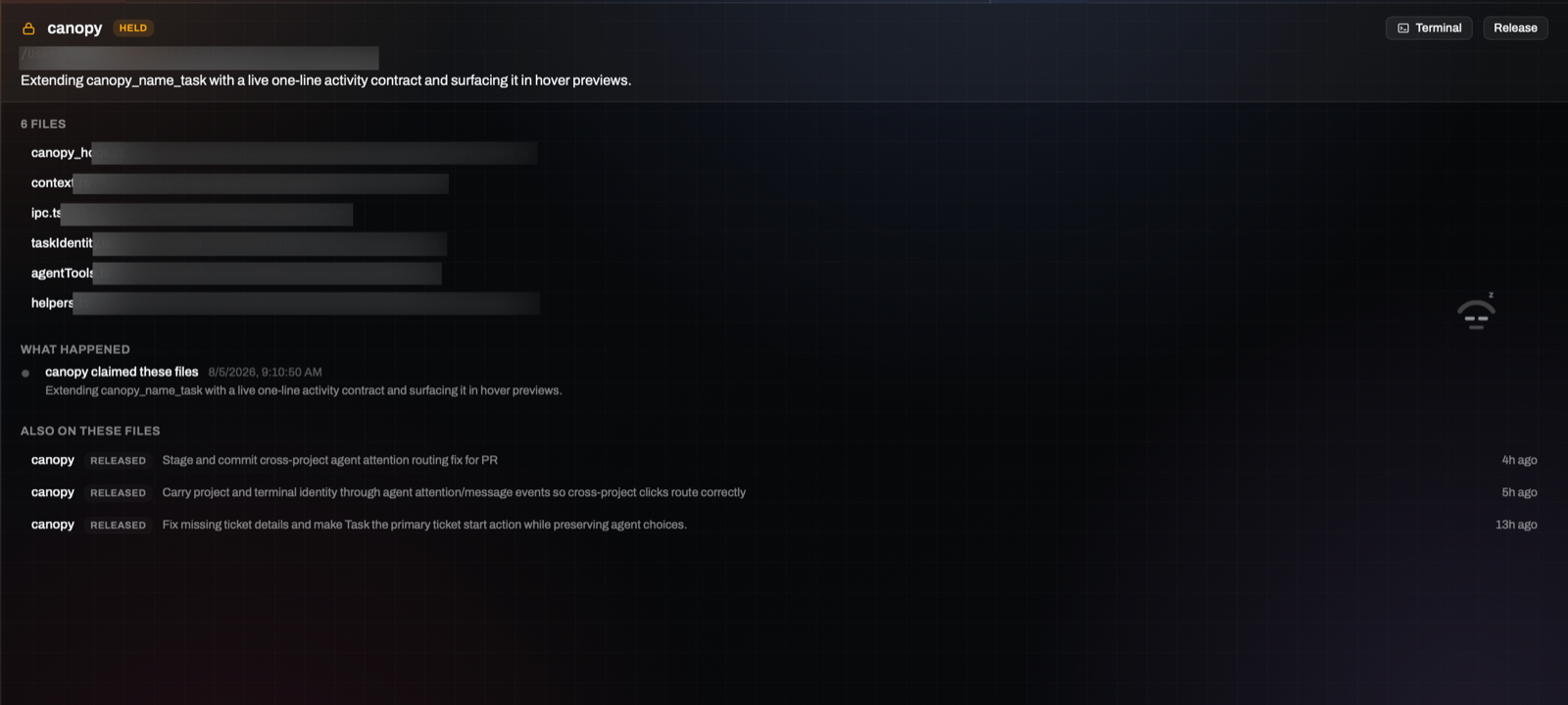
Ask the agent to stop editing. In each suspect worktree, run Git from that directory to print the top-level path, branch, short status and diff summary. `git worktree list` maps branches to directories. Canopy's Agent Workspace links sessions to checkouts, but check Git too, since file attribution varies by CLI. Don't switch branches, reset, clean or remove a worktree while changes are unexplained.
- Record the session, terminal directory, checkout path, branch and server directory.
- Look for untracked files too; a diff leaves them out.
- Check the main checkout, even if the agent ran in a separate worktree.
Find where the edit landed
`git rev-parse --show-toplevel` shows which worktree you're in, `git branch --show-current` names the branch, and `git status --short` shows changes. If the agent committed, read `git log`; a clean tree doesn't mean nothing happened. Compare changed files with the task and other active agents before deciding who owns them. Some CLIs report incomplete file lists, so trust Git.
Save the stray work before moving it
Save useful uncommitted changes on a clearly named recovery branch, or copy the specific patch through your team's reviewed workflow. Include untracked files on purpose. If the work is mixed with someone else's, don't make one blanket commit or stash; split it by intent with the owner present.
For a commit on the wrong branch, cherry-pick only that reviewed commit onto the right one, then check conflicts and tests. Don't force-push or hard-reset to tidy up; you can destroy work.
- Leave the original checkout alone until the target branch passes its checks.
- Write down source and destination commit IDs.
- Check the destination diff for unrelated files before updating a PR.
Point the agent and preview at the right checkout
Restart the agent in the intended worktree and have it print its directory and branch before editing. Make sure any saved run command or detected URL serves from the same checkout; an old process can hide a correct change. Give each worktree running the same app its own port.
Close with a branch-level check
In the destination worktree, run the tests and check the running app. Compare the branch with its base, review every changed and untracked file, and confirm the wrong checkout is clean of task work. For a PR, check its head branch and latest commit on GitHub before asking for review.
Copyable resources
Run in each suspect worktree before moving or deleting anything.
pwd
git rev-parse --show-toplevel
git branch --show-current
git status --short
git diff --stat
git diff --cached --stat
git log -1 --oneline
git worktree list
# Repeat in the main checkout and every agent worktree.
# Untracked files show in git status but not in git diff.
Frequently asked questions
Does a worktree prevent an agent from writing an absolute path in another checkout?
No. Worktrees separate directories and indexes; a process with filesystem access can still write elsewhere. Check the process directory and the final Git state.
Why is git status clean when the agent says it changed code?
You may be in another worktree, the agent may have committed, or its claim may be wrong. Check every checkout and recent commits before assuming the work is gone.
Can I move a mixed set of changes with one stash?
A stash preserves work, but mixed changes still need sorting and review. Separate the intended patch before applying it elsewhere, and include untracked files on purpose.