
Two agent tabs don't mean two isolated copies of your code. A tab is where you look. A CLI session holds one conversation. A branch names a line of work. A worktree is a checked-out directory. Know which one you created before two agents edit at once.
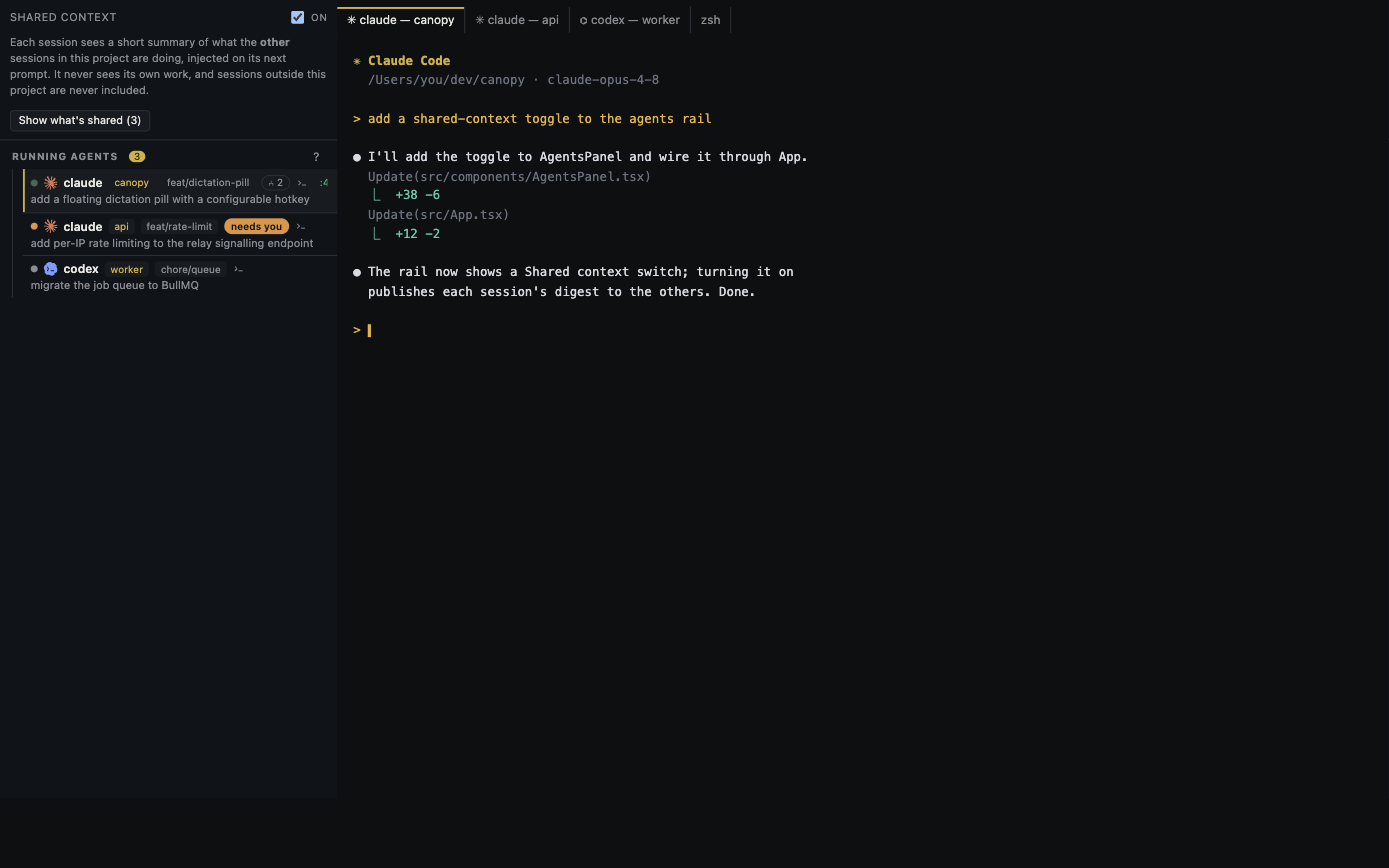
Each of the four separates something different
A tab is a view into a running shell or agent. An agent session is the CLI's conversation and tool history; resume belongs to that CLI. A branch points at commits, but two processes in one directory still share uncommitted files. A worktree gives the repository another checked-out directory with its own working state. Canopy can launch a CLI in the current checkout or an isolated worktree and show branch and session together.
| Object | Separates | Does not separate by itself |
|---|---|---|
| Terminal tab | What you see and type into | Files, branch, provider account |
| Agent session | Conversation and tool history in one CLI | Checkout or other agents' edits |
| Git branch | Committed history and proposed change | Two agents editing one directory |
| Git worktree | Checked-out files and uncommitted state | Shared services, ports, credentials or review ownership |
Give each code-changing agent its own worktree
Say one agent changes the settings page and another fixes API errors. Put them on branches `settings-form` and `api-errors`, each in its own worktree, session and terminal. A read-only investigation can share a checkout if nobody edits what it reads; note the commit it studied. Extra tabs on one checkout are fine for a shell, but they don't stop two writes to one file.
Check the directory, not the tab label
In each agent terminal, run `pwd`, `git status --short --branch` and `git worktree list`, and compare with the assignment. `git worktree list` shows registered checkouts; `git status` shows changes in this one. Check before a code edit, or when a resumed session looks off-task. If two code-changing agents share a directory, pause one and move it. A branch name never proves file isolation.
Worktrees still share services and accounts
Separate checkouts can hit the same database or fight over a port, and ignored `.env` files or dependencies may differ by directory. Assign ports, check Canopy's Servers output, and confirm which URL belongs to which checkout. Provider logins stay with each CLI profile; a worktree is not a new account or billing boundary.
Finish at the change, not the session count
When both agents finish, review each branch's diff and tests, then integrate. A stopped tab isn't a merged branch, and a resumed conversation may cite files that have since changed. Canopy's Agent Workspace joins session, checkout, commits, diff and PR so you can judge what's done. Leave a short handoff with branch, test result and next step.
Copyable resources
One card per agent that changes code.
Outcome: [one testable result]
CLI and agent session: [name / session ID if available]
Worktree path: [directory]
Branch: [branch name]
Run command and port: [command / local URL]
Files or area owned: [scope]
Acceptance check: [what I will inspect]
Integration owner: [person or session]
Before editing: compare pwd, git status --short --branch and git worktree list.
Frequently asked questions
Can two coding agents use the same branch in separate tabs?
They can, but in one checkout they share uncommitted files and can overwrite each other. Use separate worktrees and branches for independent changes, then integrate.
Does a new worktree copy my agent conversation?
No. A worktree separates files. Conversation history and resume belong to the CLI and its session store.
Is a Git branch enough to isolate two agents?
No. A branch tracks commit history; two agents in one directory still edit the same files. Confirm distinct worktree paths when both will change code.
Does a worktree give each agent its own dev server?
No. Start services for each checkout, assign distinct ports, and confirm the URL and the API or database behind it.