A coding agent CLI is an interactive program with its own prompts, keyboard controls, session state, and provider account. Wrapping it in a generic chat panel can make the surrounding product look simpler while changing how that program actually behaves.
The terminal is the agent's native interface
Canopy's current-main documentation says supported coding CLIs run as child processes in Rust-owned pseudo-terminals, or PTYs. That lets the CLI receive terminal input and render its own interactive output, including full-screen text interfaces and confirmation prompts. The app streams bounded PTY output to the visible terminal rather than pretending that every CLI exposes the same chat API. This is a design claim from Canopy's architecture; test a particular CLI and platform in the released app before assuming identical behavior.
Keep the CLI's controls and account
A real terminal preserves the CLI's own model picker, slash commands, permission prompts, and login flow where that CLI supports them. Canopy adds launcher and integration information but does not become the model provider or pool subscriptions. Integration depth differs: the published agent parity audit records varying resume, hook, usage, and edit-attribution support by CLI. A terminal that can display a program is a baseline, not proof that every surrounding feature has parity.
Add context outside the terminal
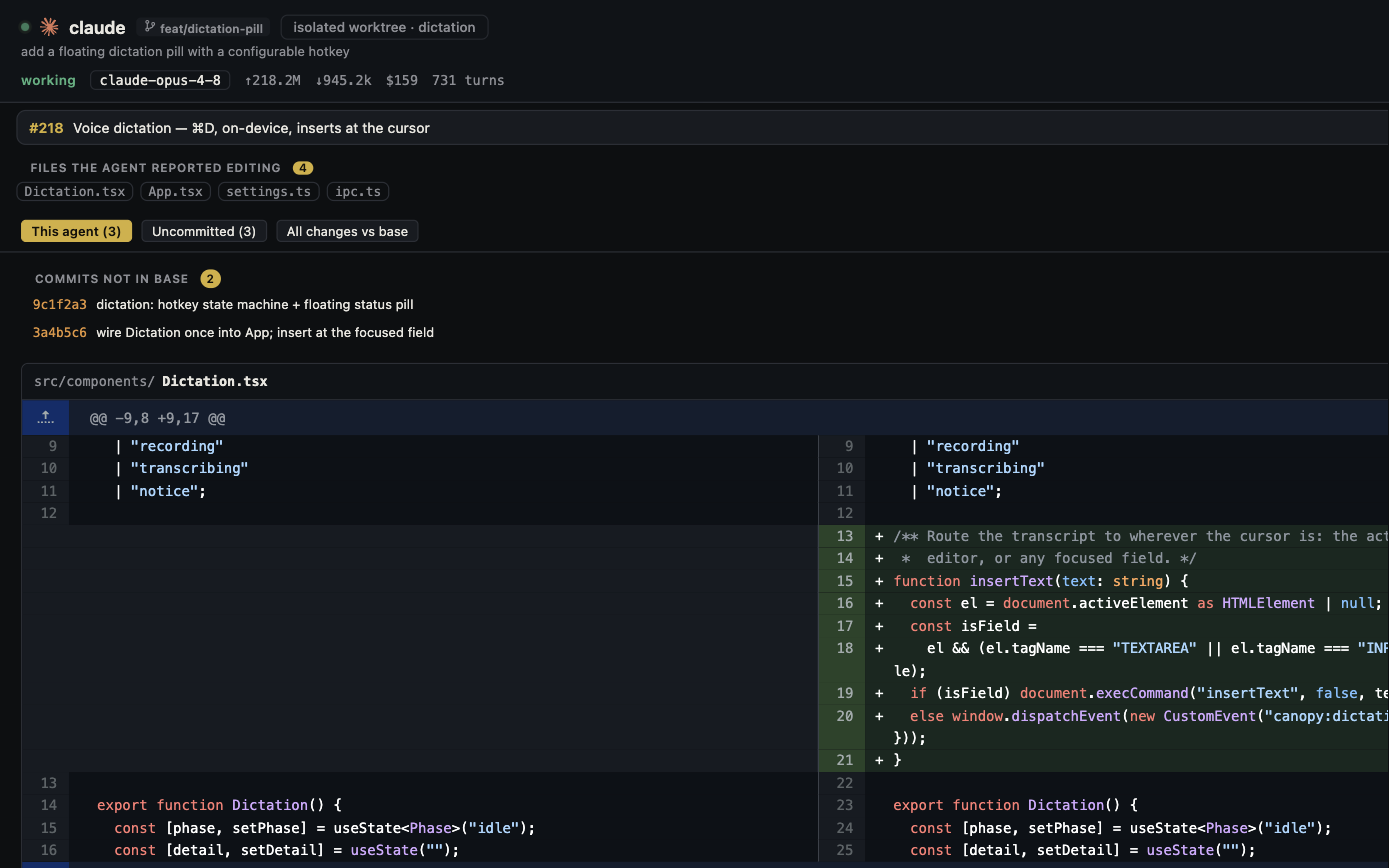
The useful extra layer is the project state the terminal alone does not summarize: which branch the agent owns, files changed, PR checks, running services, preview, and another agent's work. Canopy's Agent Workspace joins session evidence to Git; the Servers and Preview surfaces let a person inspect the running result. The CLI remains the place where the agent executes, while the surrounding workspace makes its claims easier to verify.
Look at process ownership and failure behavior
Canopy's architecture assigns PTY creation, byte streaming, backpressure, scrollback limits, resize, and process-group termination to Rust. It also treats closing surfaces and app exit as cleanup boundaries. Those details matter when an agent emits a long log, asks for input, resizes a text UI, or leaves a child process behind. A product demo should show a normal task and these less glamorous states, not only a polished final answer.
A five-minute comparison test
Use the same installed CLI and repository in a plain terminal and in Canopy. Start an interactive session, change terminal size, trigger a permission prompt on a harmless operation, run a local service, and inspect a small code diff. Record which controls behave the same, which project facts are easier to find, and whether closing or reopening the session works as documented. Repeat with the CLI and platform you actually use. This tests a workflow rather than assuming that ‘AI native’ branding predicts behavior.
Copyable resources
Real-terminal evaluation card
Use the same CLI account and safe sample task in both environments.
CLI/version/platform: [ ]
Repository and task: [ ]
Interactive prompt and keyboard controls: [observed]
Resize/full-screen behavior: [observed]
Permission prompt on safe operation: [observed]
Branch, changed files, PR context: [where visible]
Local service output and preview: [where visible]
Close/reopen or CLI resume: [observed]
Unexpected differences and evidence: [ ]
Frequently asked questions
Does a real PTY make every coding CLI equally integrated?
No. It preserves the CLI's interactive terminal behavior. Session events, resume, usage, and file attribution still vary by CLI and Canopy release.
Why use Canopy if a terminal already runs the CLI?
The terminal is enough for a focused session. Canopy adds a project workspace for branches, changed files, services, previews, and review across agents; test whether those views improve your own workflow.