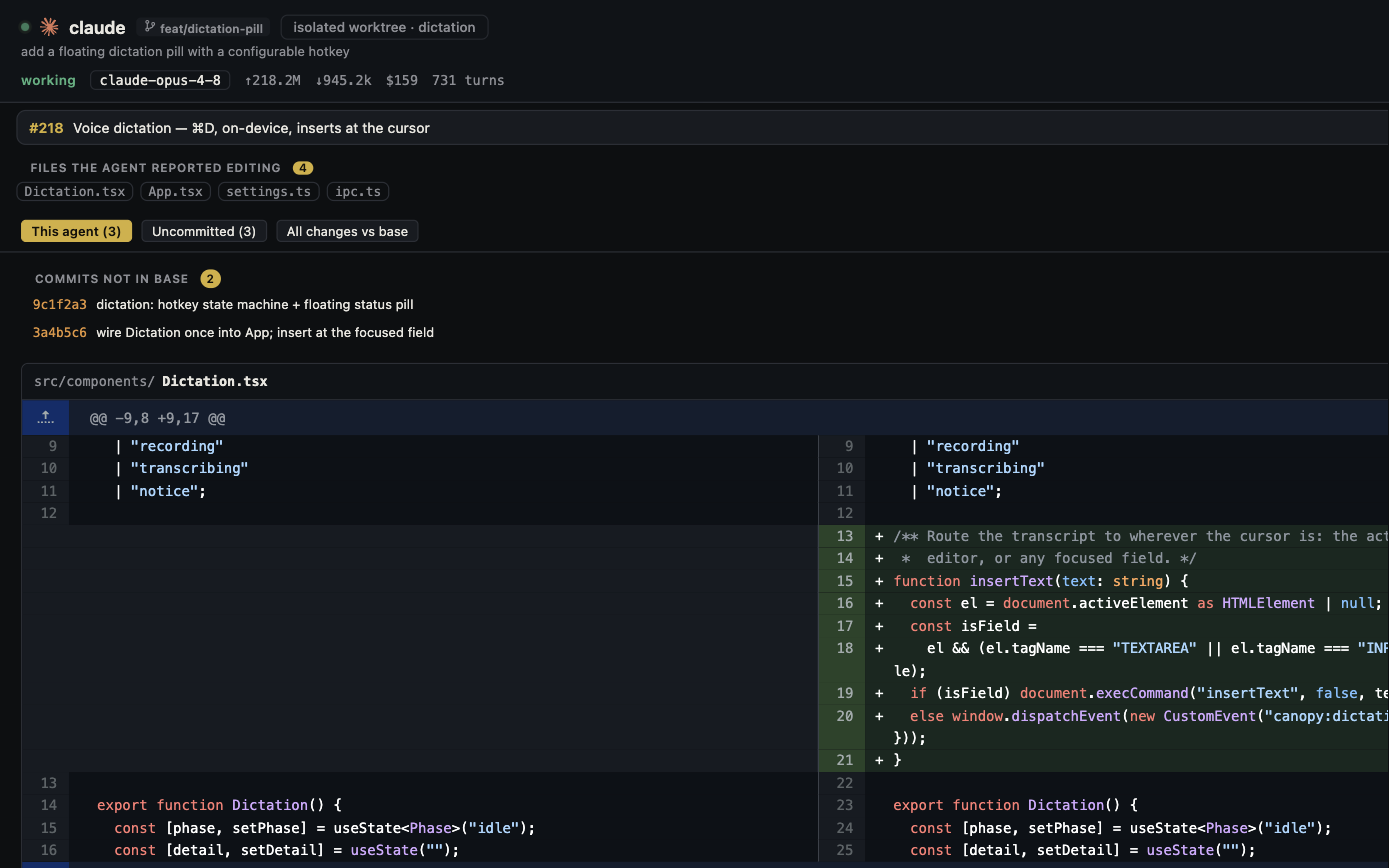
Superset and Canopy both organize installed coding agents around real projects. Both support parallel checkouts, local running apps, previews, and Git review. The practical differences sit in process lifecycle, project conventions, Remote access, platform and license fit, and which context each workspace makes easiest to inspect.
Compare the complete current workflows
Superset's current documentation defines a project, one isolated Git worktree per task, terminals, agents, and devices. It offers setup and teardown scripts, a Run button, port detection, an in-app browser with DevTools and design feedback, and a PR viewer. Canopy's current-main README describes supported CLI PTYs, worktrees, saved local services, detected URLs, Preview, Agent Workspace, PR review, and optional Remote and Team. A comparison that says either product is just terminal tabs ignores the work surrounding an agent task. Verify the installed Canopy release and Superset plan before relying on a particular control.
| Decision | Superset | Canopy |
|---|---|---|
| Agent and accounts | Installed CLI agents in workspaces; provider traffic stays with their accounts | Installed supported CLIs in PTYs; provider accounts remain separate |
| Isolation | Task worktree and branch with workspace terminals and ports | Current checkout or isolated worktrees with branch and agent context |
| App run | Project setup/teardown and Run scripts; detected ports | Saved component commands, Servers output, and detected URLs |
| Preview | In-app browser, DevTools, design mode, agent browser commands | Preview with console/network evidence and visual feedback |
| Review | Diff viewer, PR checks/comments and agent handoff | Agent Workspace, Git/PR context and focused review tasks |
| Remote | Opt-in relay to another host and iPhone app on eligible plan | Opt-in PIN-protected Remote to running desktop via LAN or chosen tunnel |
| Code license | Public source under Elastic License 2.0 | Public MIT-licensed app |
Test the process lifecycle before a long run
Superset's model documentation says workspace terminal sessions survive app restarts, with processes and scrollback preserved. Canopy's architecture treats app exit as a cleanup boundary for its owned PTYs and services, while its project hibernation and CLI conversation resume are different operations. That difference matters if you expect a local agent or worker to continue after closing the desktop app. Try a harmless long-running command in the installed release, close the app using the action you normally use, reopen it, and inspect the process and output. A recovered conversation is not evidence that its old process ran during the gap. Neither local host will work while its machine is off.
Run a website, API, and worker in both
In Superset, keep project setup and Run behavior in reviewed `.superset` configuration or scripts, then inspect the workspace ports and browser. Its port guide says ports are detected and grouped by workspace; it does not assign a unique range automatically. In Canopy, save each component's real command and working directory, start them from Servers, and match detected URLs to the checkout before opening Preview. For either product, first make the API respond, then verify the worker action and website state. A green terminal or listening port alone does not prove the feature works. This three-process test exposes setup, env files, port collisions, and wrong-branch previews better than a homepage feature list.
Compare Remote, team, and license boundaries
Superset's Remote documentation describes an opt-in relay, host membership, an iPhone client, and remote port forwarding; it says the host must remain awake and online. Its current pricing page places Remote, mobile, automations, and team features in a paid plan, while local individual workspaces are free. Canopy's README describes optional PIN-protected Remote from a running desktop and optional encrypted Team collaboration, with no required Canopy account. These are different access and account designs. Superset says its source is available under Elastic License 2.0, which is not an OSI-approved open-source license; Canopy uses MIT. Read the licenses and current plan terms if those boundaries affect your team. Neither app pools third-party model subscriptions.
Use one accepted change as the decision test
Create a fresh branch or worktree from the same commit in each product. Give the same CLI and account a bounded form-fix task, run the website/API/worker stack, make one visual correction, request one independent review, and inspect the latest PR diff and checks. Record the time and errors spent on setup, locating the right session, identifying the right URL, resuming after a break, and integrating the accepted change. If an overnight agent matters, test app exit and host sleep separately. If phone access matters, test its actual host and authentication route. A shared model account, a screenshot, or a claim that all agents can run is too little evidence to choose a workspace.
Copyable resources
Superset and Canopy task trial
Keep the CLI, account, starting commit, and acceptance checks constant.
Repository and starting commit: [ ]
CLI/model/account and task: [ ]
Observable success and failure checks: [ ]
Superset version, plan, workspace, and run scripts: [ ]
Canopy release, project components, and worktree: [ ]
Website/API/worker ready lines and URL for each: [ ]
Browser finding and agent correction: [ ]
PR review finding, checks, and final diff: [ ]
App-exit, host-sleep, or phone trial if relevant: [ ]
Accepted result, setup/review effort, and remaining uncertainty: [ ]
Frequently asked questions
Does Superset support multiple agents and Git worktrees?
Yes. Its documentation centers workspaces on isolated worktrees with terminals and installed CLI agents. Compare the full run and review workflow, not whether it has parallel tabs.
Do Superset sessions keep running when its desktop app closes?
Superset's model docs say persistent workspace terminals survive app restarts. Test the exact host and shutdown action you use; a sleeping or powered-off machine cannot run a local process.
Is Superset open source like Canopy?
Superset calls itself source-available under Elastic License 2.0 rather than OSI-approved open source. Canopy's public app repository is MIT licensed. Read the current license files for your intended use.
Can both preview an agent-built page and review a PR?
Yes. Both document browser and Git review surfaces. Test the same website, failing state, branch, and latest PR checks to judge which workflow suits you.
Sources and further reading
- Superset model: workspaces, terminals, agents, devices ↗
- Superset project lifecycle and Run scripts ↗
- Superset port management ↗
- Superset in-app browser and design mode ↗
- Superset pull request review ↗
- Superset Remote access and host boundary ↗
- Superset current plans ↗
- Superset source license statement ↗
- Canopy README and downloadable-release caveat ↗
- Canopy architecture: PTY and app-exit lifecycle ↗
- Public discussion comparing Superset, Conductor, and cmux ↗