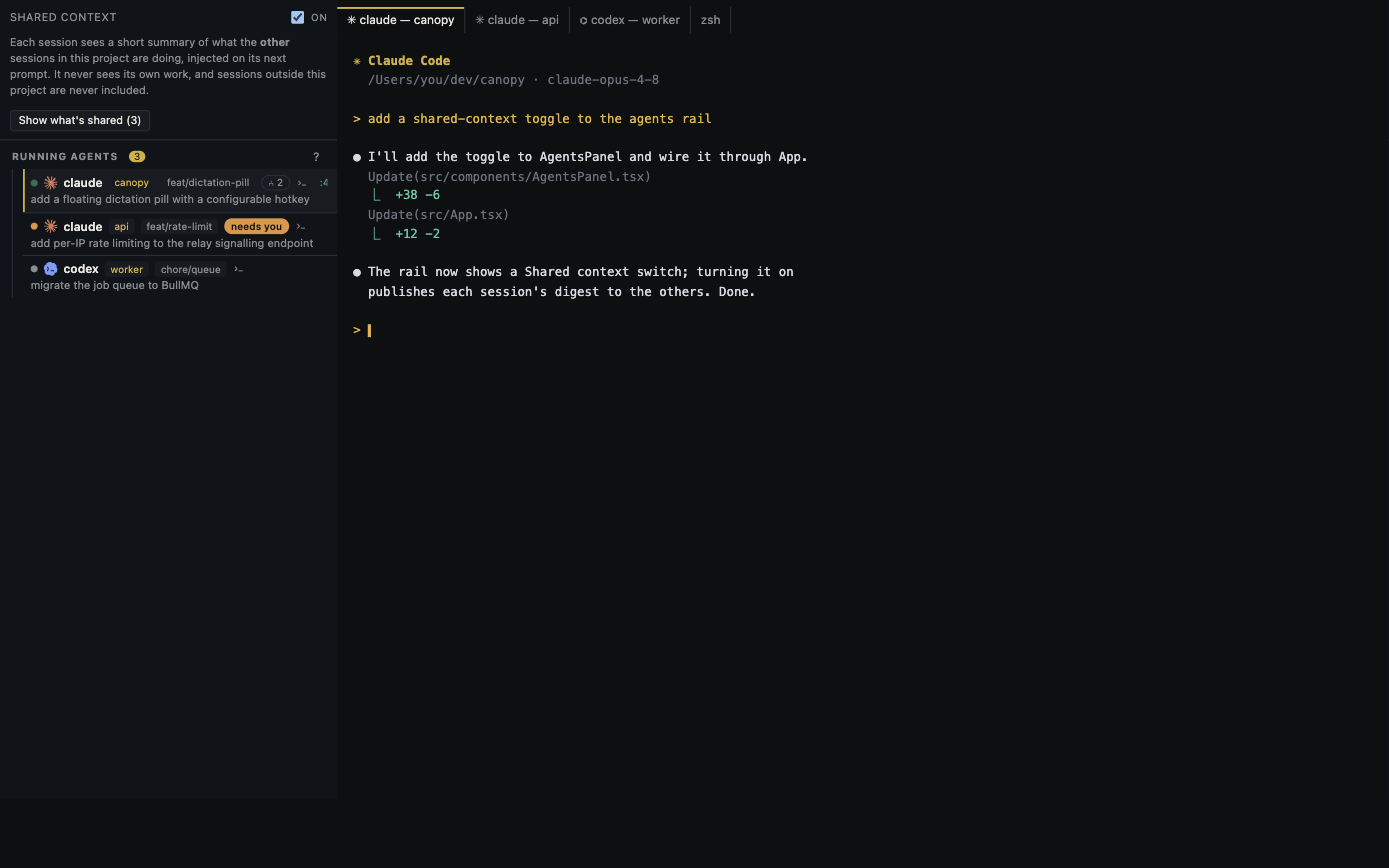
Canopy is a local-first desktop workspace, but 'works offline' has several meanings. Its own project UI can still be useful without an Internet connection; an installed coding CLI may need a hosted model, and GitHub or a public Remote tunnel needs a network. Test the exact CLI and project you plan to use before promising an offline coding-agent workflow.
Define which part must keep working
Canopy's current-main README describes local project state, notes, research, session context, and search indexes, with no required Canopy account. Local files, Git diffs, saved run commands, and a localhost Preview do not inherently require a model provider. They do require that the app, repository, dependencies, and runtimes already be installed, and a local service may still call an external API when you use it. By contrast, GitHub and Linear integrations, public tunnels, Internet team sessions, and most hosted model CLIs depend on their own network services. 'Local-first' describes where Canopy-owned state lives; it is not a claim that every agent or project dependency is offline.
| Layer | Offline candidate | What to verify |
|---|---|---|
| Workspace | Files, notes, local search, Git diff | Project opens and data is already indexed |
| Running app | Installed runtime and localhost services | Dependencies and data are available locally |
| Coding agent | Installed CLI with a local model route | CLI can reach its local endpoint and edit correctly |
| External integrations | Usually need network | GitHub, Linear, provider, tunnel, or remote host path |
Choose a CLI whose model route is local
Canopy launches installed CLIs in real terminals; it does not supply a model or turn a hosted Claude or Codex account into a local model. Current OpenCode documentation describes discovering Ollama, LM Studio, and vLLM at local addresses, and Aider documents an Ollama route. These are CLI-specific options, not a promise that every local model can follow tools or edit code well. Install the CLI, local model server, and model weights while online, then select the model in the CLI. Check its reported endpoint before asking it to touch code. The model process is separate from Canopy, so a successful local terminal launch alone proves nothing about inference location.
Run a small disconnection trial
Use a disposable repository with one tiny failing test or UI issue. While online, install dependencies and verify the project run command, local model server, and chosen CLI. Record the Canopy and CLI versions, model identifier, branch, and expected behavior. Disconnect the machine from the Internet while keeping localhost available. Open the project, find a file with local search, view a Git diff, start the saved service, and load its localhost URL. Then ask the CLI to inspect and fix the small issue, run the test, and show the final diff. A success requires an actual model answer and a correct accepted result, not merely an open terminal or a cached old response.
Check for hidden network dependencies
A package install, remote database, authentication call, map tile, analytics script, or test fixture download can fail even when the editor and model are local. Record the first failed command and destination without copying secrets. If the CLI silently falls back to a hosted provider, the experiment is no longer an offline model trial; inspect its model and provider settings. If local inference works but edits are poor, treat that as a model and tool-use limitation rather than a Canopy connectivity failure. OpenCode and Aider document local routes, but model quality and required hardware vary, so test the actual task before choosing a setup for important work.
Record the boundary you proved
Write down what still worked, what failed, and which external system each failure needed. Do not generalize from one local project to all Canopy features or all CLIs. The README follows the development branch and may be ahead of a downloadable release, so label the tested platform and app version. When reconnecting, review any queued Git or issue actions before sending them and confirm that the provider and model choices did not change. An offline-capable workspace and a fully offline AI coding task are separate claims; the trial tells you which one you have.
Copyable resources
Offline coding-agent trial record
Test on a disposable repository; keep localhost available while Internet access is disconnected.
Canopy version/platform: [ ]
Project, branch, and local run command: [ ]
Installed CLI/version: [ ]; selected model and local endpoint: [ ]
Model weights and project dependencies present before disconnect: [ ]
Offline file/search/Git check: [ ]
Local service and Preview URL/result: [ ]
Agent request and actual response/edit: [ ]
Test command and final diff: [ ]
Unexpected network requests or failed dependencies: [ ]
Conclusion: workspace offline [ ]; local inference [ ]; accepted change [ ]; remaining online services [ ].
Frequently asked questions
Does Canopy include an offline AI model?
No. It launches installed CLIs. An offline AI task needs a CLI configured for a local model server and a model already available on the machine.
Will my local app Preview work without Internet?
A localhost service can, if its runtime, dependencies, data, and pages are local. A project that calls remote APIs can still fail; test its actual path.
Does local-first mean my coding CLI never sends code to a provider?
No. Canopy-owned workspace state and a CLI's model traffic are separate. Check the CLI's configured endpoint and any enabled integrations.