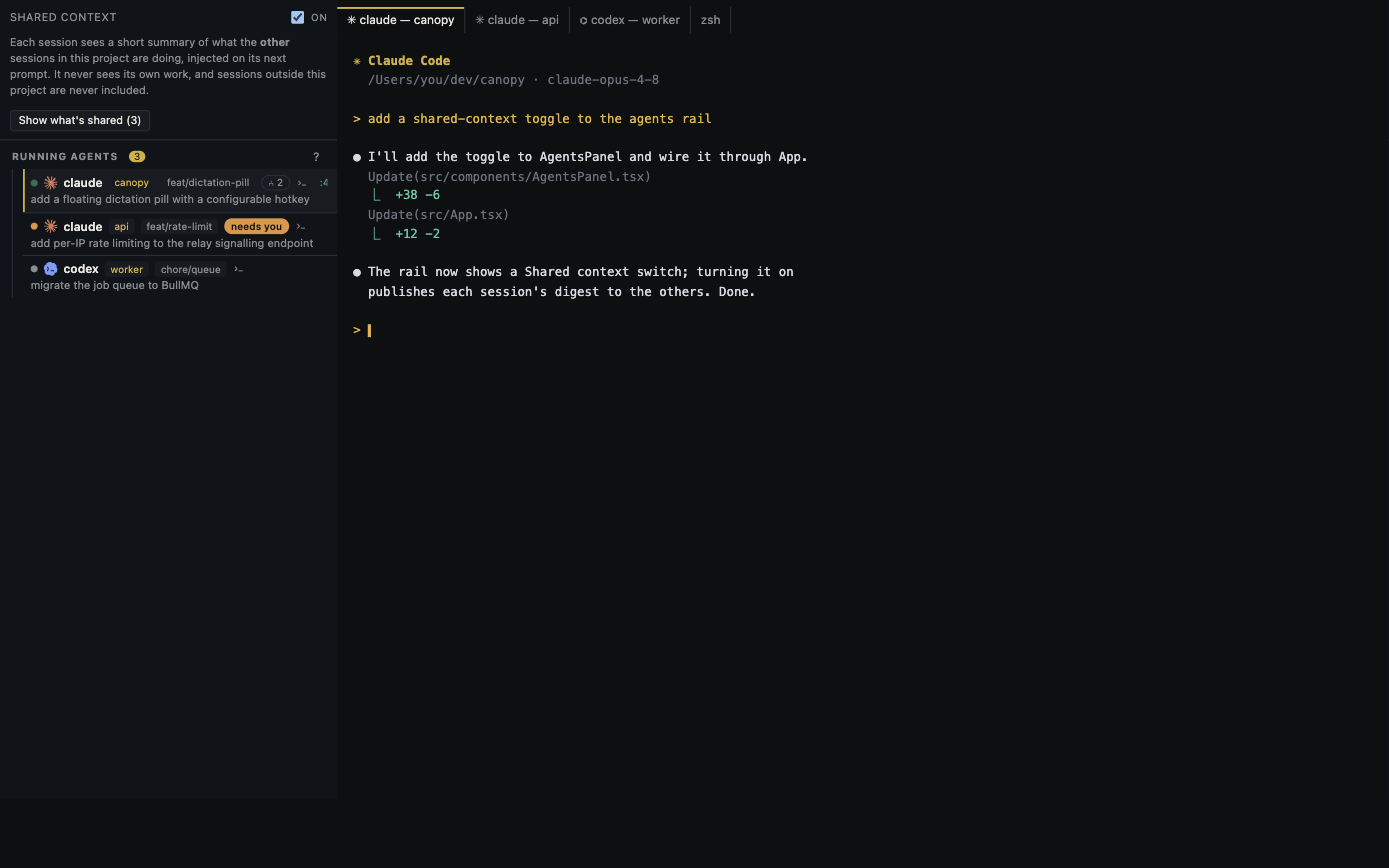
A public repository is a useful starting point for evaluating a coding workspace, but the code on its main branch may differ from the installer you download. Check the exact release, its artifact, its documented boundaries, and a small real workflow before deciding whether to trust it with a project.
Match the installer to a published release
Open Canopy's GitHub Releases page, note the latest published tag, date, and commit, and choose the asset for your operating system and architecture. As checked on 28 September 2026, v0.3.4 is marked latest. The README itself warns that main may describe features newer than that build. Read the tagged release notes for a feature you need, then test that feature in the installed app. A screenshot from main or a later pull request is insufficient evidence about a downloadable version.
Check the file you actually downloaded
GitHub's v0.3.4 release lists a SHA-256 digest alongside each platform asset. Compare the digest of your downloaded file with the digest next to that exact asset on the release page; a digest for the macOS DMG says nothing about the Windows installer. On macOS or Linux, `shasum -a 256 path/to/download` prints the value. On Windows PowerShell, `Get-FileHash path\to\download -Algorithm SHA256` does the same. A match checks that the file equals the published asset; it does not prove the app is free of vulnerabilities. GitHub also publishes a release attestation JSON asset. If you use GitHub's attestation tooling, follow its verification instructions for the specific build artifact and inspect the reported repository and workflow rather than treating the mere presence of an attestation as proof.
Read what the license and source cover
Canopy's LICENSE.md grants MIT terms to Canopy's own code. THIRD-PARTY-NOTICES.md records bundled dependencies under their own licenses. Read both if your organization needs to redistribute or modify the app. Then inspect the tagged source or compare release tags for the components relevant to your decision: Rust PTY ownership and cleanup, browser preview, Remote, Team, and CLI integration. Source availability allows an audit; it does not mean every reader has audited the build or that the binaries are reproducible from source without checking the release process.
Map the network and account boundary
The README says Canopy requires no Canopy account and keeps Canopy-owned workspace state local. Installed coding CLIs use their own provider accounts and networks. GitHub, Linear, optional tunnels, and Internet team sessions are separate paths. Remote is off by default and its current PIN can drive its permitted surfaces when enabled. Decide which integrations your trial requires, then observe those paths in a disposable project. Do not describe a local desktop UI as proof that the model inference is offline.
Run a small, reversible trial
Create a disposable repository, start one supported CLI, ask for a bounded change, run the app, and inspect the diff. Verify the branch, CLI account, network route, and usage source. If you need Remote or Team, enable it only for a separate trial and confirm who can act and where data travels. Compare the behavior with the tagged release notes and the agent parity audit; the audit follows main and CLI support differs. Record what worked, what you could not verify, and the installed version before using Canopy on a valuable repository.
Copyable resources
Open-source IDE evaluation record
Use with a disposable repository; copy the digest from the matching release asset.
Release tag, date, commit, and platform: [ ]
Downloaded asset and source URL: [ ]
Published SHA-256 / locally calculated SHA-256: [ ]
Attestation verified for this artifact, if used: [ ]
Needed feature and release-note evidence: [ ]
License and bundled dependency notice reviewed: [ ]
CLI provider account and expected network paths: [ ]
Remote/Team disabled or separately tested: [ ]
Trial task, branch, tests, and final diff: [ ]
Unverified assumptions and decision: [ ]
Frequently asked questions
Does MIT licensing mean every bundled component is MIT?
No. Canopy's own code uses MIT; its third-party notices list components under their respective licenses.
Does matching a SHA-256 digest prove the app is secure?
No. It confirms the downloaded bytes match the digest published for that asset. Security review also needs provenance, source and dependency inspection, and real behavior checks.
Can I assume the main-branch README describes my installed version?
No. The README warns that main can be ahead of the latest release. Use the tag and release notes for version-specific claims.
Is model traffic local because Canopy stores workspace data locally?
No. The installed coding CLI may contact its own provider. Check that provider and every optional integration you enable.