
A limit notice hurts most when an agent has edited half a feature. It doesn't say which files are safe, whether the turn finished, or whether another model can continue. Read the live CLI state, save the partial work, and decide from the provider's own limit view.
Confirm which limit stopped the work
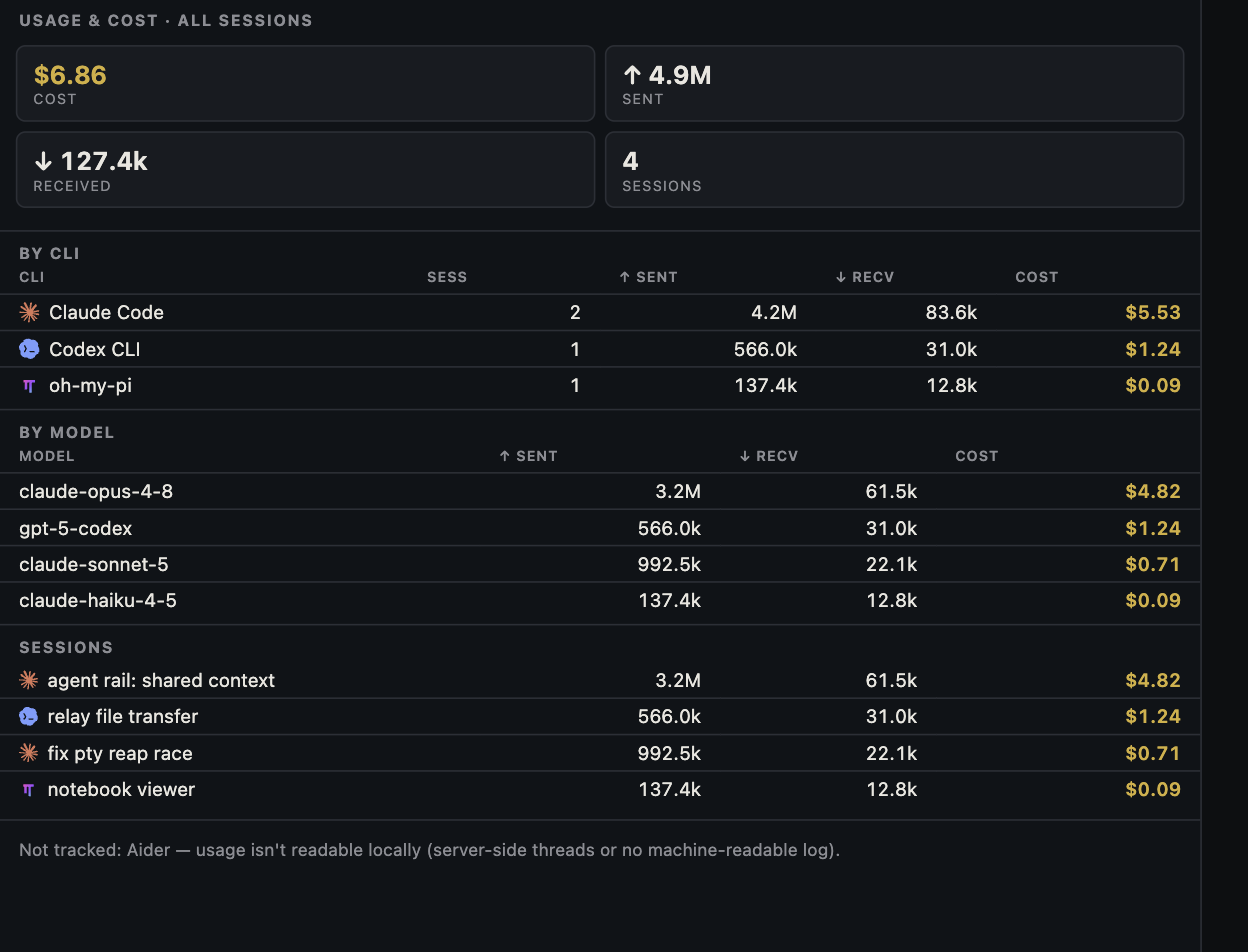
Record the CLI, account, model, exact notice and reset time, and compare the terminal with the provider's usage page. A full context window calls for compaction or a fresh handoff. A plan window means waiting or using an option your account offers. An old Canopy ‘as of’ snapshot is a clue, not the authority. Anthropic and OpenAI document plan-specific choices; use the one shown for your account.
| Signal | Check | Likely next step |
|---|---|---|
| Context full | CLI context view and current conversation | Compact in the CLI or start from a short handoff |
| Plan window reached | Provider account and reset time | Wait, or use an option your account offers |
| Model-specific allowance | Available models and account rules | Switch only if the provider shows remaining capacity |
| API rate or spend error | Owning API account and exact error | Use its documented limit or billing controls |
| Old percentage or estimate | Snapshot time and live CLI state | Refresh the evidence first |
Check whether the turn is still running
Don't close a terminal because a usage bar looks full. Read the newest output: a limit error, prompt, active tool and final answer mean different things. OpenAI says some credit-based Codex sessions can finish an active turn after the allowance runs out. Check that turn before starting a replacement. A stopped model call doesn't mean its test or server stopped.
Save the partial work without calling it done
Check the branch, Git status, changed files and last passing check. Note what the agent intended, which commands ran and what's untested. Don't commit a broken change to make the handoff look finished; keep it in its worktree and checkpoint it your team's way. Check any summary against files and tests. Keep credentials and usage screenshots out of shared notes.
Choose wait, same-CLI continuation or handoff
Waiting keeps the original CLI and account. If the provider offers another model, credits or an admin-approved route, check cost and authorization first; another model may share the exhausted allowance.
Another CLI in Canopy has its own account, limits and conversation, and can't read the first one's transcript. Give it the checkout only after deciding ownership, or use a separate worktree and a short handoff. Ask for one bounded next step, not a replay.
Resume from the work and check the result
When capacity returns, resume the original session if its history helps; resume support varies by CLI. Recheck branch, services and diff before typing ‘continue,’ and tell the agent what changed meanwhile. If another CLI finished the work, review its branch instead of restarting the old agent. Repeat the acceptance check and read the diff. The task is done when the feature works and review is settled.
Want to check the arithmetic? Enter your own token counts and rates in the session cost calculator →
Copyable resources
Quote the provider notice, but leave out account secrets and private billing details.
Task, repository, checkout, branch and CLI: [ ]
Exact limit message and time (time zone): [ ]
Provider account/model and reset or option shown: [ ]
Current turn: active, completed, waiting or failed [ ]
Git status and changed files: [ ]
Last accepted behavior and checks run: [ ]
Partial result and remaining failure or test: [ ]
Decision: wait, same CLI/model, or different CLI with named owner [ ]
Next bounded action and acceptance check: [ ]
After resuming: check branch, services, final diff and provider usage [ ]
Frequently asked questions
Will changing to a smaller model always bypass the limit?
No. Model allowances and shared plan windows vary by provider and account. Check the provider's usage screen and available models before switching.
Did Codex stop the moment its plan bar reached the limit?
Not necessarily. OpenAI says some included-allowance or credit-based sessions can finish the active turn, subject to fair-use limits. Read the live session output.
Can I move the unfinished conversation from Claude Code to Codex?
The CLIs don't share private transcripts. Hand off the goal, branch, changed files, checks, decisions and next action, then confirm the new session's checkout.
Is a full context window the same as a plan limit?
No. Context is what one model call can see; a plan limit caps usage over a period. Use the CLI's context tools or the provider's plan view accordingly.