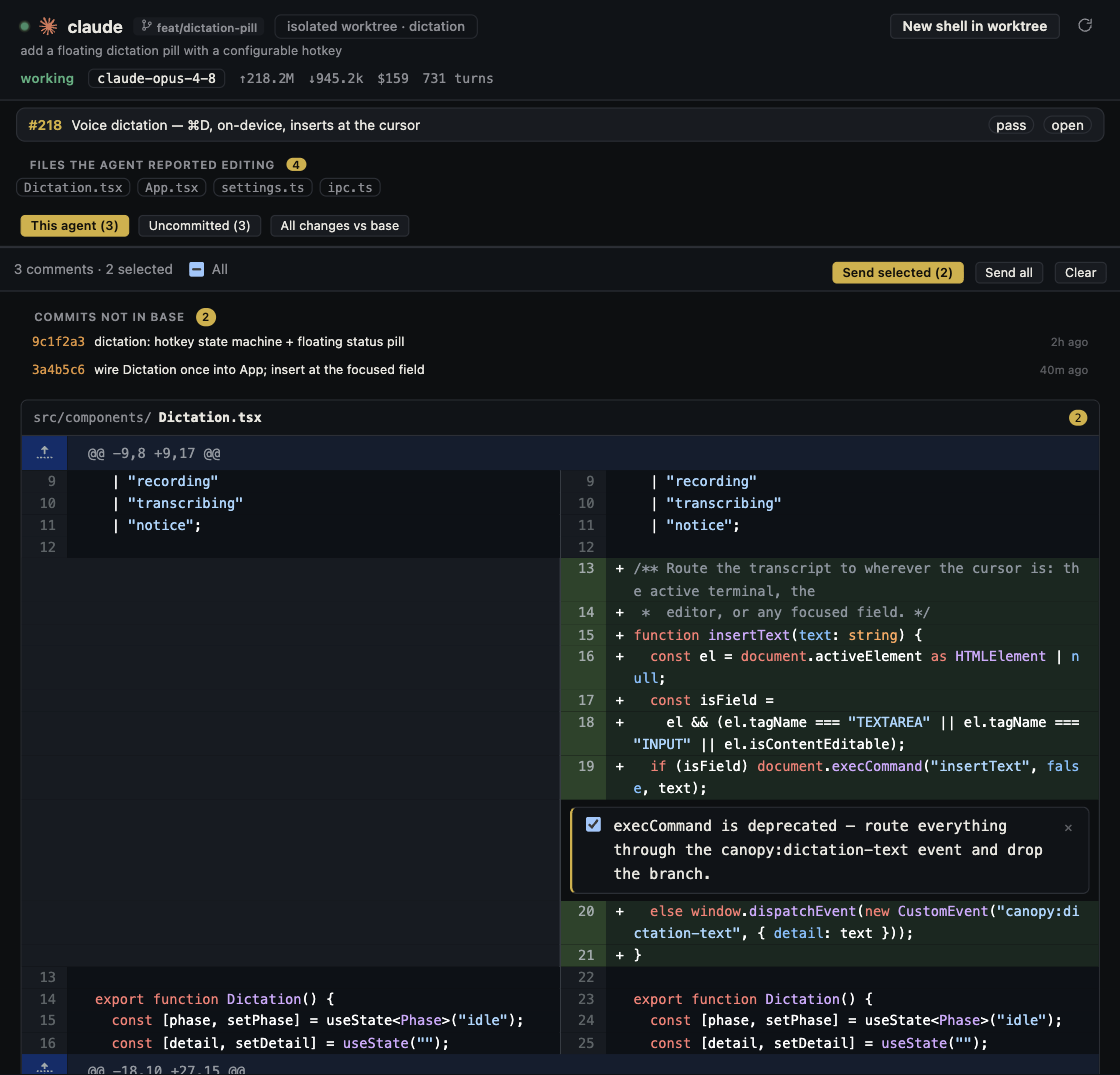
Finding an API key in an agent's commit is an incident to triage, even if the agent has already deleted the line. First establish where the credential traveled, then have its owner revoke or rotate it with the provider. A cleanup commit changes the latest file, but an earlier pushed commit, PR, log, or clone can still contain the value. GitHub's remediation guidance puts provider revocation ahead of repository history surgery.
Stop the spread and classify the exposure
Pause the agent's further edits, commits, pushes, and public comments on the affected task. Note the provider and type of key, who owns it, what it can access, and the first file or commit where it appeared. Check whether the value is only in an uncommitted local file, in a local commit, in a pushed branch or PR, or in another surface such as a build log or shared transcript. These states do not have the same reach. Do not copy the key into a new agent prompt, issue, or screenshot while investigating. Use a redacted identifier and path in the handoff. If you cannot establish that a live credential stayed private, treat it as exposed and contact the owner promptly.
| Where found | Immediate check | Next owner action |
|---|---|---|
| Uncommitted local file | Was it shown to a CLI, log, preview, or another person? | Remove from working file and assess whether rotation is needed |
| Local commit, never pushed | Did the commit leave this machine through sync or review? | Coordinate rotation if exposure is uncertain; repair the local branch before sharing |
| Pushed branch, PR, or public repo | Which remote refs and other copies contain it? | Revoke or rotate with the provider urgently, then update dependent services |
| CI log, issue, chat, or artifact | Who could read or download that surface? | Revoke, restrict further access, and follow that service's removal process |
Revoke or rotate with the credential provider
GitHub says a leaked secret should be considered compromised and that deleting a line or making a new commit does not stop it from being used. For an active public or production credential, prioritize revocation. The key owner should use the provider's own portal or documented process; if you lack that access, escalate to the owner or administrator. When an immediate revoke would break a live service, coordinate creating and installing a replacement first, then revoke the old credential as soon as the transition is complete. Record the revocation time and affected scope, not the secret value. A GitHub secret-scanning alert can help locate a leak, but provider records are the authority on validity.
- Replace the secret in the approved vault or environment configuration, not in source code.
- Check all applications, workers, CI jobs, and integrations that used the old credential.
- Verify those services work with the replacement and that the old credential no longer works.
Check for use during the exposure window
Ask the provider owner to inspect usage, billing, and audit records for the interval between first exposure and revocation. GitHub's response guide includes reviewing its security or organization audit logs and the credential provider's own logs. A spike or unfamiliar action needs the team's incident process; a quiet dashboard is not proof that no one copied the key. Record what was checked, the time range, and who will monitor later. If the key reached an agent session or optional integration, inspect that service's retention and sharing controls as a separate exposure path. Canopy's local project view does not override an installed CLI's provider behavior.
- Include the provider account, scopes, first known exposure, and revocation timestamp in a private incident record.
- Review unexpected API calls or spend and the permissions that the credential held.
- Escalate signs of unauthorized access to the responsible security or account owner.
Repair current code, then decide on history
Remove the literal credential from source and configuration files, add the correct ignored or managed-secret setup, and review the agent's full diff for another copy. Search the affected branch, PR description, logs, and build artifacts using an approved secret-scanning workflow. If a key was pushed, the old commit can remain reachable after a normal cleanup commit. GitHub recommends considering a full history rewrite only with repository and security leads: it changes commit hashes, can invalidate PR review, may require force pushes, and cannot erase other people's clones or forks. Revocation may sufficiently remove the access risk without that disruption. Do not ask an agent to force-push or rewrite shared history as the first reaction.
- Decide on history cleanup after the credential is unusable and service recovery is verified.
- Coordinate with all branch and clone owners if a rewrite is required; follow GitHub's current removal procedure.
- Remember that separate logs, PR comments, agent transcripts, or artifacts need their own cleanup paths.
Close the loop and prevent the next leak
Review the latest PR diff and deployed configuration, then record the incident outcome. Resolve any GitHub secret-scanning alert only after its remediation is documented. Enable available push protection and secret scanning for the repository and account, but understand their supported-pattern and plan limits; no scanner catches every credential. Give future agents configuration key names and setup instructions without raw values. Use least-privilege credentials and an approved secret store, and keep real values out of prompts and public review comments. A short tabletop trial with a disposable test key can verify who stops the agent, who can rotate a provider credential, and who can check the repo before a real incident.
- A final PR check should find no live secret in changed files or public discussion.
- The owner should verify the old credential is revoked and the replacement works.
- Keep the incident record private and link it to follow-up improvements without exposing the value.
Copyable resources
Private incident handoff
Use a redacted key identifier; do not paste the credential itself into an agent or ticket.
Provider and credential type: [ ]
Owner / escalation contact: [ ]
Redacted identifier and access scope: [ ]
First known exposure: [time, file/commit/surface]
Where it traveled: [local file, local commit, remote branch, PR, log, transcript, artifact]
Agent work paused at: [branch/commit]
Old credential revoked or rotated by: [owner, time]
Replacement installed in: [services, CI, workers]
Service checks and results: [ ]
Provider usage/audit window checked: [ ]
Repository and other-surface cleanup decision: [ ]
Latest diff reviewed by: [ ]
Open risk and follow-up owner: [ ]
Frequently asked questions
The agent removed the key in the next commit. Is the incident over?
No. If the earlier commit was shared, the value can remain in history and other copies. Revoke or rotate the credential with its provider and check affected services and usage.
Should I immediately force-push a rewritten history?
First revoke the credential and stabilize services. A shared-history rewrite is a coordinated repository decision because it changes commit IDs, PR reviews, and collaborators' clones.
Does a private repository make a committed key safe?
Private access reduces who can see it but does not make source control an appropriate secret store. Assess who had access, whether the key is active, and whether it reached logs or other systems; coordinate rotation with its owner.
Will GitHub push protection catch every key?
No. Coverage depends on supported secret patterns, repository settings, and plan. Review the actual diff and use the provider's records when assessing a suspected leak.