A skill is more than a prompt title. It can contain instructions, referenced files, scripts, and CLI-specific tool permissions. Before adding one to a shared repository, inspect the complete folder and run a small trial in the same kind of session your team will use.
Inventory the whole skill, not only SKILL.md
Record the source repository, revision or download date, license where relevant, and every file the skill may read or run. Open SKILL.md and follow its links to references, scripts, templates, and assets. OpenAI's skill format explicitly supports these supporting files and recommends reviewing them before making a skill available to an agent. A short frontmatter description may hide most of the work. If a script downloads code, reads a home directory, or calls a service, that behavior belongs in the review even when the skill description says only 'review a PR'.
Map the task to its actual access
Write down what the skill needs to read, write, execute, and send over the network. A release-note drafting skill may need Git history and a document output; it should not need production credentials. A PR-review skill may need the current diff and test output; posting a review is a separate permission from drafting findings. Check scripts for file deletion, shell expansion, environment-variable reads, and requests to external hosts. Check whether the instructions tell the agent to ignore other project rules or copy private material into a tool. OpenAI's agent safety guidance treats untrusted instructions and unintended data sharing as real failure modes, so use the narrowest practical workspace and credentials for the trial.
Read CLI-specific permission controls
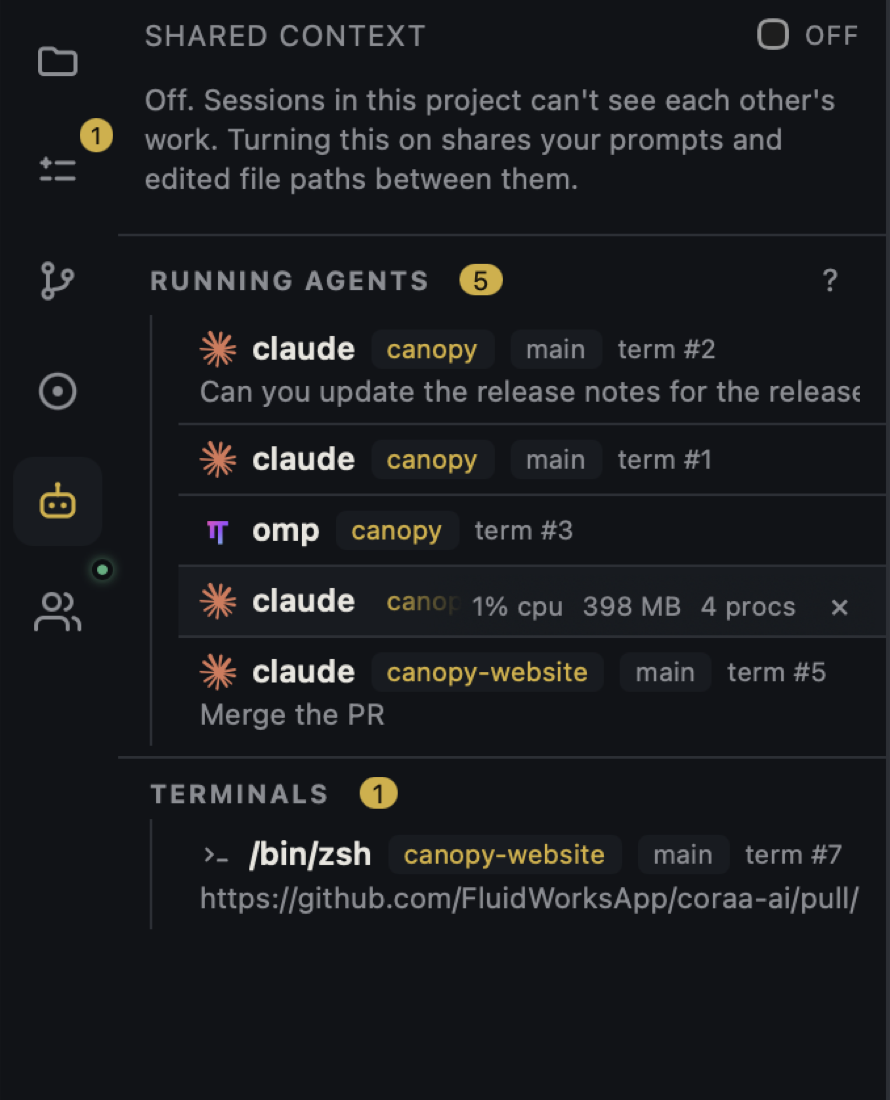
Claude Code skill frontmatter can include allowed-tools and disallowed-tools; its docs say those controls affect the turn in which a skill runs. They do not make an unreviewed script trustworthy. Codex and other CLIs use their own permission and sandbox rules, so test access in the actual CLI and version rather than copying Claude-specific frontmatter and assuming it has the same effect. Canopy launches the CLI in the project context and can show the resulting files and session; it does not standardize provider permissions or certify a skill. Treat an MCP dependency as another live connection to configure and inspect separately.
Run a bounded trial and inspect the diff
Use a disposable checkout with sample data and a task that represents the real workflow. Start with read-only or draft output if possible. Record which skill loaded, which scripts and tools ran, what files changed, and whether any network calls were expected. Ask for one concrete artifact, such as a review note with cited file lines. Compare the final diff and terminal output with the skill's declared purpose. The previous guide's explicit, natural, and negative-control prompts test whether it activates at the right time; this trial tests whether its actions stay within the intended boundary.
Share a pinned, understandable version
If the trial passes, commit a reviewed copy or pin a revision that teammates can inspect. Record the owner, supported CLIs, required dependencies, expected output, and when to re-review it. Re-run the trial after changing a script, permission field, source URL, or referenced file. If the skill only works by granting broad access unrelated to its task, narrow or replace the workflow before distributing it. A shared skill should make a repeated job easier to verify, not make hidden actions harder to find.
Copyable resources
Skill review record
Complete this before committing or installing a skill for a team.
Source, revision, owner, and license if relevant: [ ]
Skill name, trigger description, intended CLIs: [ ]
Files inspected: SKILL.md [ ]; references [ ]; scripts [ ]; assets [ ]
Required reads: [ ]; writes: [ ]; commands: [ ]; network hosts: [ ]
Credentials or private data reachable in the trial: [ ]
CLI permission settings and MCP dependencies: [ ]
Disposable task and expected artifact: [ ]
Observed tools/scripts/network and final diff: [ ]
Decision: share pinned version / revise / do not share
Next review trigger and owner: [ ]
Frequently asked questions
Is reading SKILL.md enough to vet a skill?
No. Follow its referenced files and inspect scripts, assets, requested tools, and external connections before a trial.
Does Canopy make a third-party skill safe to run?
No. Canopy hosts the installed CLI and project workspace. The CLI's permissions and the skill's instructions and scripts still need review in that environment.
Can I share one reviewed skill with every CLI unchanged?
The instruction content may be portable, but discovery paths, frontmatter extensions, tool grants, and available MCP connections differ. Test each intended CLI and version.
Sources and further reading
- Official OpenAI documentation: skill folders and supporting files ↗
- Official OpenAI documentation: building and auditing skill workflows ↗
- Official OpenAI documentation: agent safety and data boundaries ↗
- Claude Code docs: skill frontmatter and tool controls ↗
- Canopy README: CLI and project boundaries ↗