
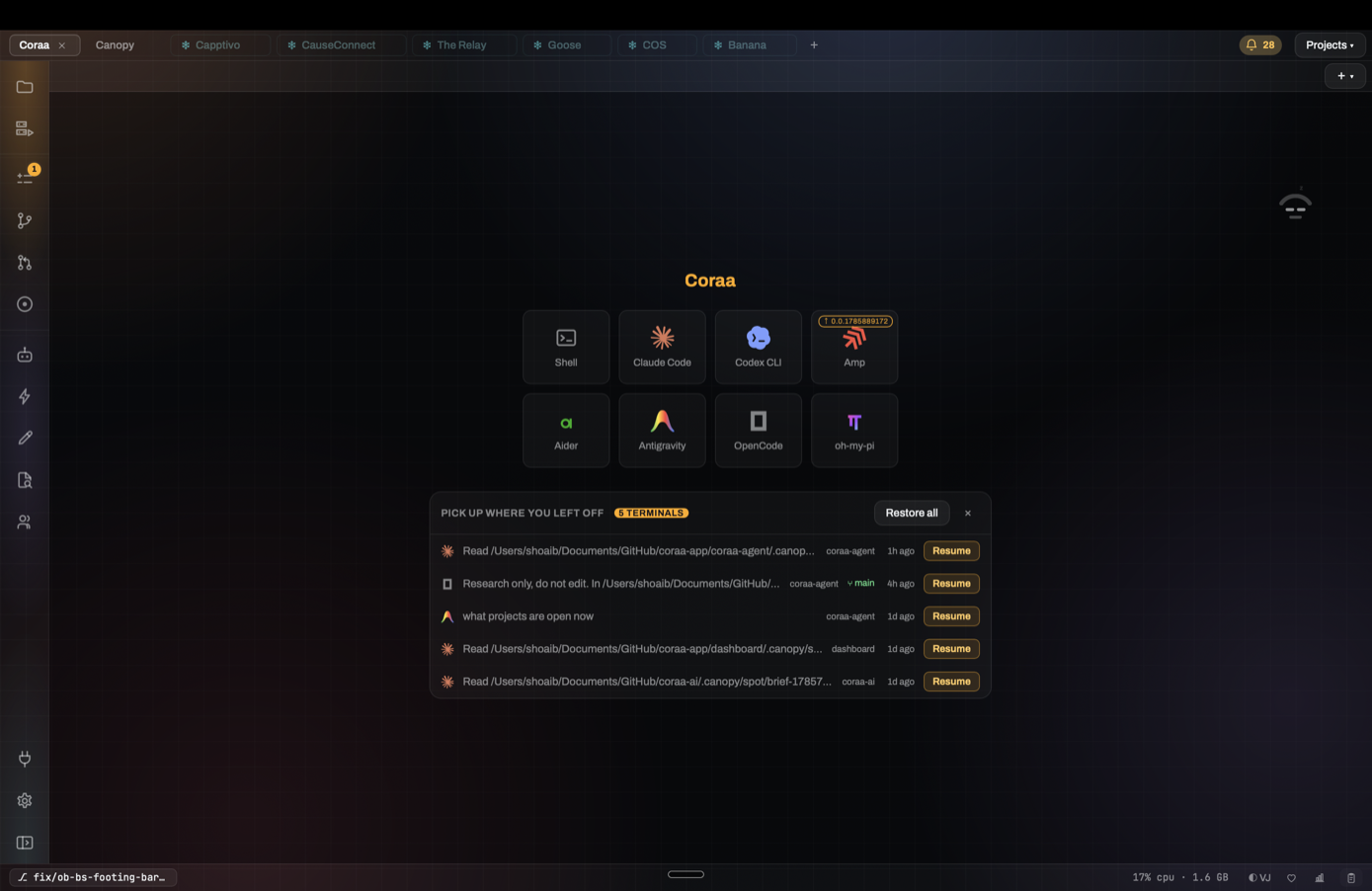
multiple accounts
Switch between agent accounts.
Keep supported work and personal CLI logins separate, and choose which profile new agents use.
Tell Canopy what should change. Build mode plans, routes and verifies the work. Engineer mode gives you every terminal, process and diff. Both operate on the same local project, so nothing gets lost between intent and implementation.
Build and Engineer are two views of the same local project. Move between them at any point without exporting, forking or rebuilding context.
A declined payment no longer loses the cart or the next attempt.
Canopy keeps the task alive across attempts, routes it to the right agent, runs your project, and records the checks that prove the result.
Explore Build mode →I preserved the provider retry contract and added the state transition tests.
Open the same work in real terminals, inspect every process and diff, switch agents or accounts, and review exactly what changed.
Explore Engineer mode →Build mode manages the path from outcome to verified result. Engineer mode exposes every terminal, process and diff. Both operate on the same local repository and runtime.
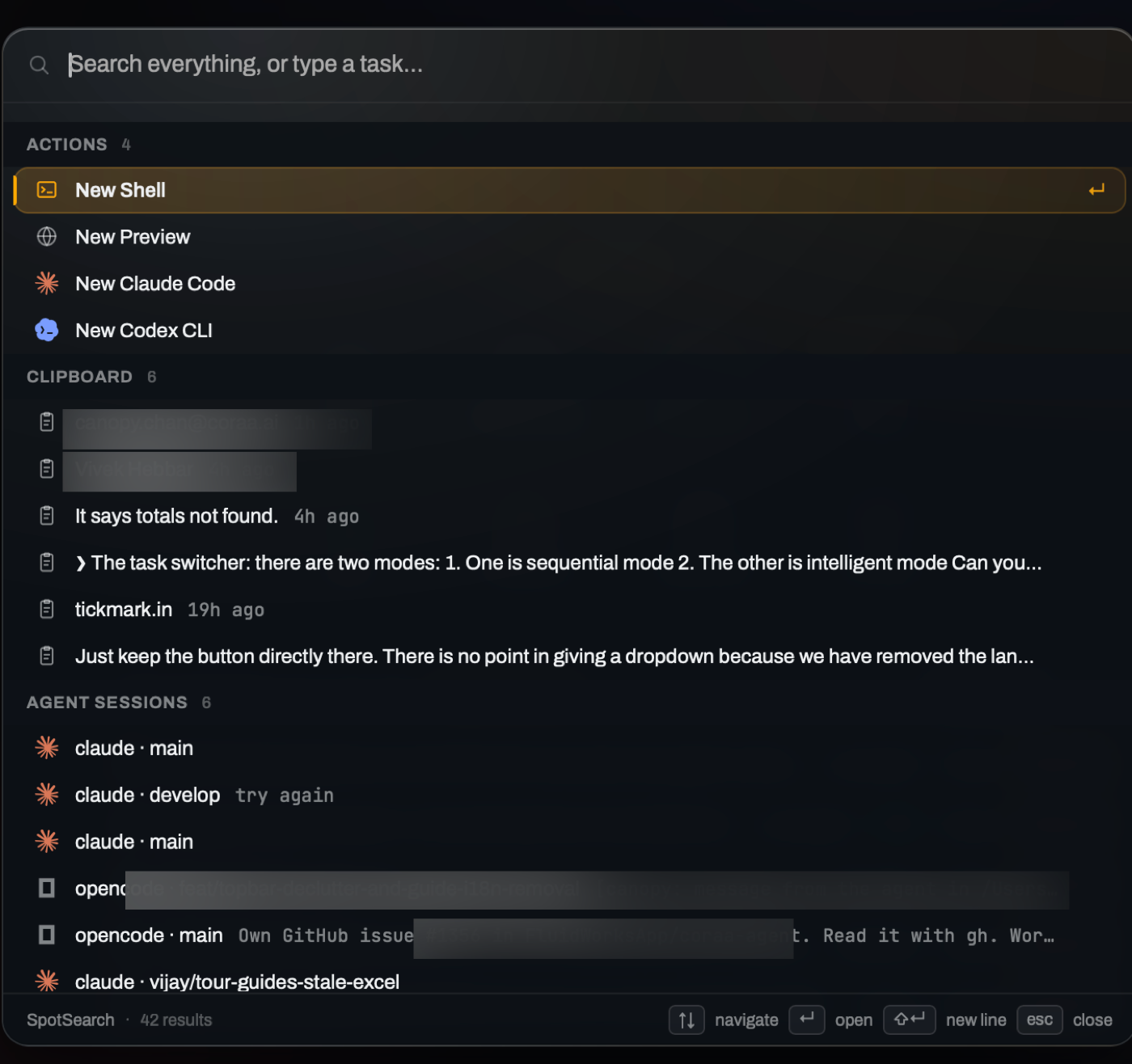
Search what is open, what is on disk, and what your agents already learned.
Tabs, files, symbols, code, terminal output, agent conversations, scratchpad notes, research, tickets, PRs, branches, servers and completed tasks all meet in one palette.
Speak instead of typing. Canopy transcribes on-device into terminals, editors and agent prompts, without uploading your audio.
Turn one tab into a working surface for several independent agents.
Keep splitting right or down to build the layout you need, resize any boundary, and move focus by keyboard. Each pane keeps its own terminal, session and project context; the whole layout survives a restart.
You choose when to enable access. Monitor agents, reply, start work and stop processes from a phone or desktop browser.
MIT licensed. Issues, PRs and strong opinions welcome, contribute on GitHub.